Filero
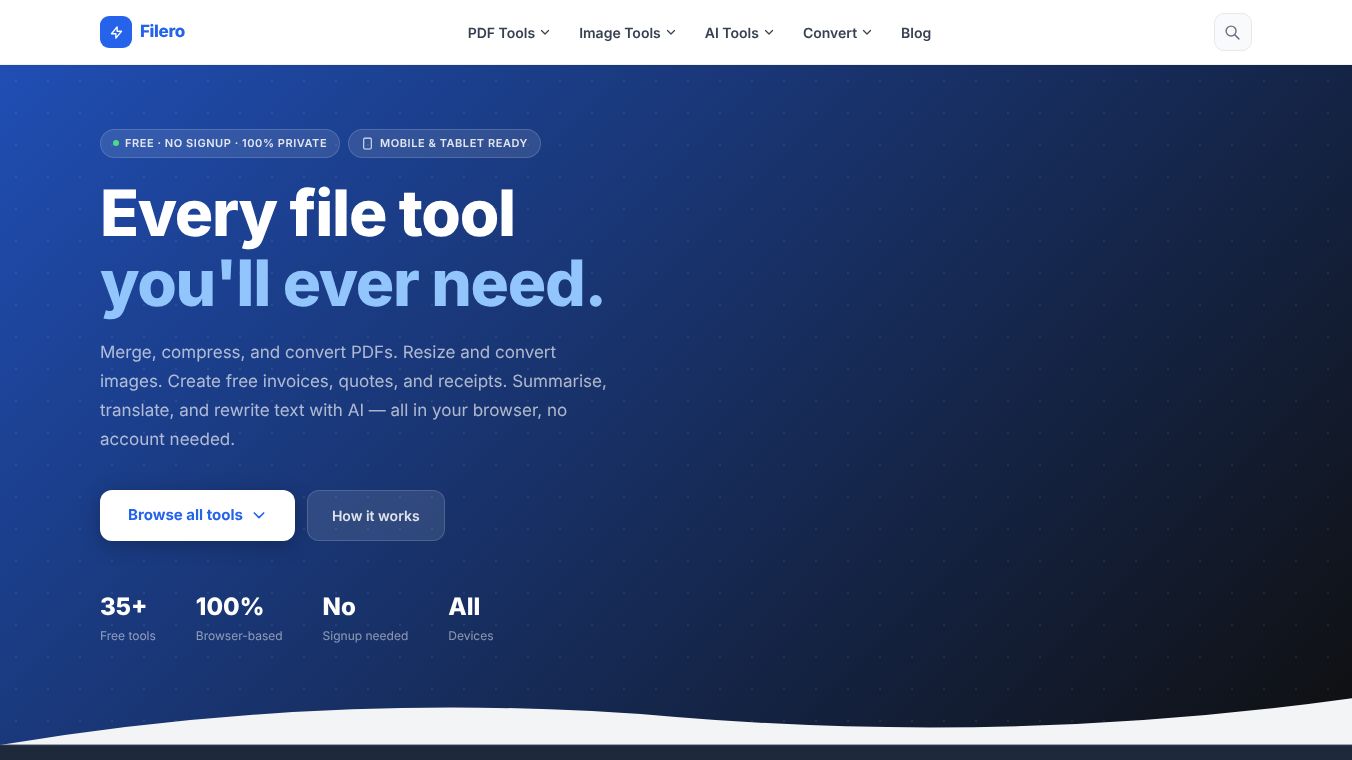





Filero.app is a website that offers more than 35 free tools you can use right in your web browser. These tools help you manage, change, and work with text in documents. You don't need to create an account or install anything to use them. Filero works on any device, like computers, phones, and tablets. Since everything happens in your browser, your files are processed on your device, which keeps them private.
Benefits
Filero makes it easy to handle many common tasks without hassle. You can quickly merge PDF files, split them, make them smaller, or add page numbers. It also lets you sign PDFs or protect them with a password. If you need to change file types, Filero can convert PDFs to Word or Excel documents, or turn them into images like JPG or PNG. It can also convert images into PDFs. For creative or business needs, Filero can compress images, resize them, and even change iPhone photos to a more common JPG format. The AI tools can quickly shorten long documents, fix grammar mistakes, translate text into many languages, or rewrite content to sound different. For businesses, it helps create professional invoices, quotes, and receipts with logos and tax details, all saved as PDFs.
Use Cases
Filero is useful for students who need to combine assignments into one PDF, or professionals who need to convert reports into different formats. Small business owners can use it to create and send professional invoices and quotes to clients. Anyone can use the AI tools to improve their writing, understand foreign language documents, or get the main points from a long article. It's also handy for preparing images for websites or sharing them by converting them to a standard format.
Pricing
All of Filero's tools are available for free.
Vibes
Filero is presented as a simple, fast, and private alternative to paid services. Users can pick a tool, upload their file, and get the processed result right away, all within their browser. It stands out because it doesn't require subscriptions, doesn't add watermarks, and doesn't store files after use. It also offers AI and business document features that are often extra costs elsewhere.
This content is either user submitted or generated using AI technology (including, but not limited to, Google Gemini API, Llama, Grok, and Mistral), based on automated research and analysis of public data sources from search engines like DuckDuckGo, Google Search, and SearXNG, and directly from the tool's own website and with minimal to no human editing/review. THEJO AI is not affiliated with or endorsed by the AI tools or services mentioned. This is provided for informational and reference purposes only, is not an endorsement or official advice, and may contain inaccuracies or biases. Please verify details with original sources.




 No Info
Comments
Please log in to post a comment.