Express Transcript
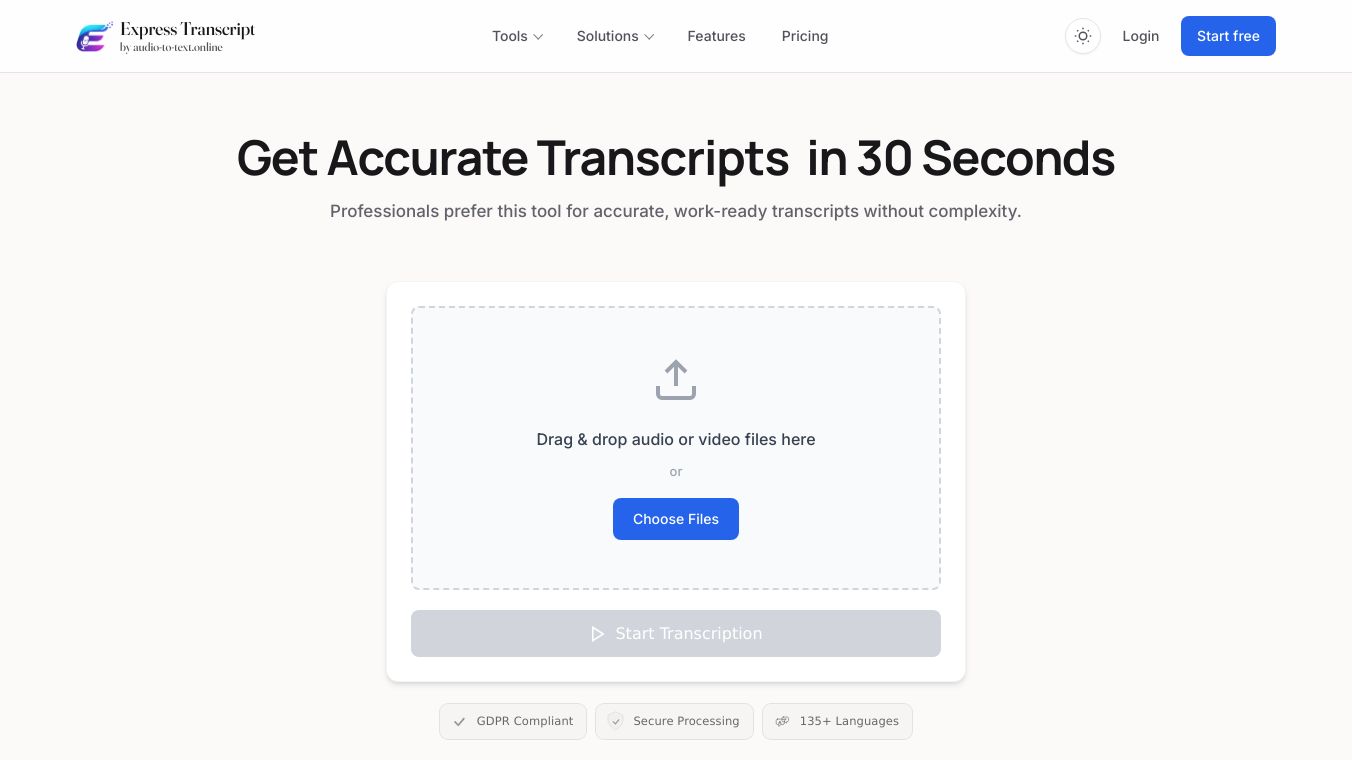





Express Transcript is a professional tool that quickly turns audio and video files into accurate written text. It is designed to be very easy to use. You can simply drag and drop your audio or video files, or choose them from your computer. This service works with over 135 different languages, making it useful for a wide range of users.
Benefits
Express Transcript helps you save time by transcribing files rapidly, often in just 30 seconds. Its Accuracy Guard feature checks the transcript against the actual speech to ensure it is correct, even if the audio is fast or has many speakers. It can automatically tell who is speaking and label them, which is great for interviews or meetings. The service can also translate your transcript into another language with one click and create short summaries of long recordings so you can quickly understand the main points. You can download your transcripts in many formats like TXT, PDF, or Word, and even get subtitle files for videos. It also lets you upload and transcribe many files at once, organize them into folders, and even record audio directly in your browser to transcribe it instantly.
Use Cases
This tool is useful for anyone who needs to convert spoken words into text. It's great for students who need to transcribe lectures, journalists recording interviews, podcasters creating show notes, businesses documenting meetings, or content creators adding subtitles to videos. The ability to handle multiple languages and speakers makes it versatile for various projects. Its real-time transcription feature is also helpful for live events or immediate note-taking.
Pricing (ONLY include if available)
Express Transcript offers a Free plan with limited transcription minutes. There are also paid plans like Express Mini, Express Gold, and Express Black, which provide more minutes and features. For users who don't need a subscription, there's an "As You Go" option to pay per minute. Purchased minutes from bundles are valid for six months.
Vibes (ONLY include if available)
The platform focuses on a simple and smooth user experience, aiming to make the transcription process feel effortless. It promises high-quality transcripts that are ready to use right away, even with challenging audio like background noise or accents. The service ensures that text is not invented or left out.
Additional Information (ONLY include if available)
Express Transcript supports many common audio and video file types, including MP3, WAV, MP4, and MOV. Free plan files can be up to 500 MB, while paid plans allow files up to 5 GB. The service ensures secure file handling and storage, and users can delete their files anytime. Transcripts can be easily shared to platforms like Google Drive, Dropbox, and Notion, or sent via email. Team members can also be invited to collaborate on projects.
This content is either user submitted or generated using AI technology (including, but not limited to, Google Gemini API, Llama, Grok, and Mistral), based on automated research and analysis of public data sources from search engines like DuckDuckGo, Google Search, and SearXNG, and directly from the tool's own website and with minimal to no human editing/review. THEJO AI is not affiliated with or endorsed by the AI tools or services mentioned. This is provided for informational and reference purposes only, is not an endorsement or official advice, and may contain inaccuracies or biases. Please verify details with original sources.




 No Info
Comments
Please log in to post a comment.