Everything AI Chat
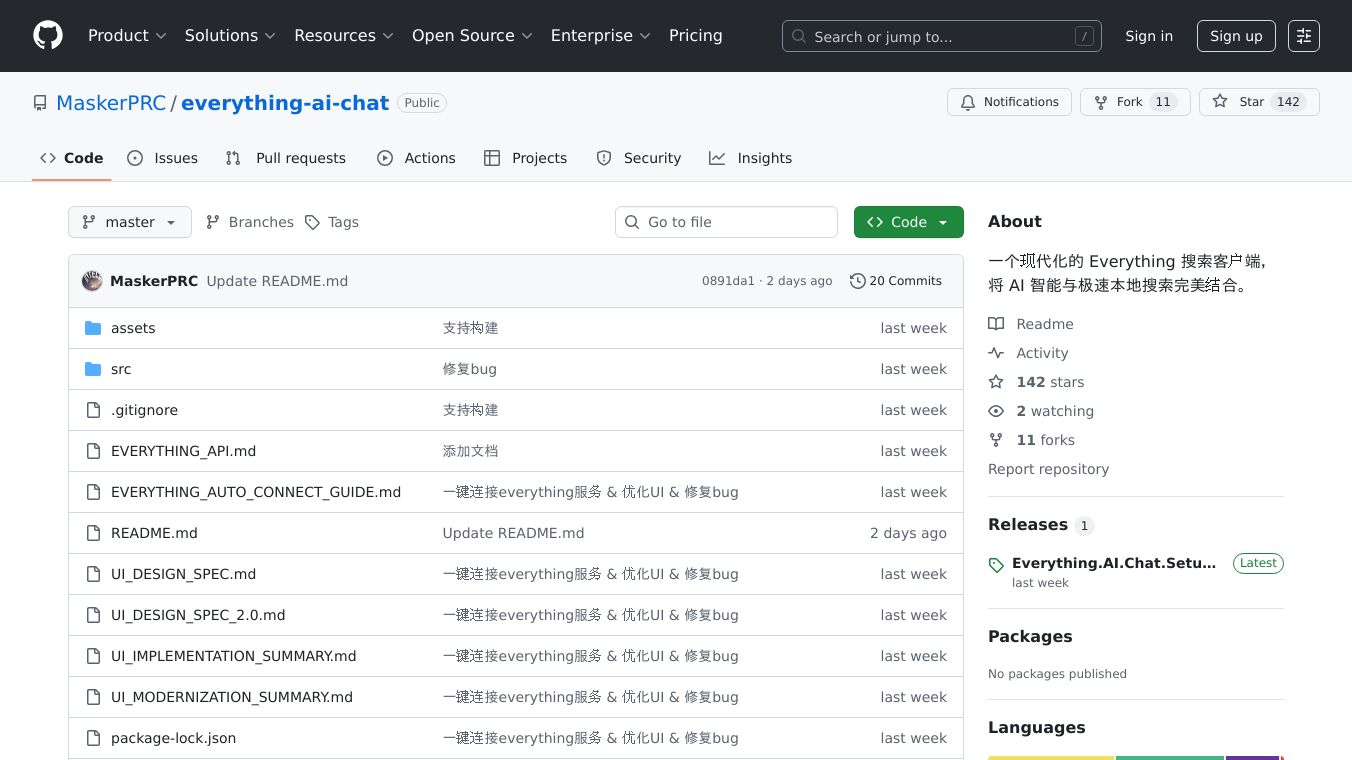





Everything AI Chat is a modern search tool that makes finding files on your computer faster and easier. It combines AI technology with Everything, a powerful file search engine, to help you locate files quickly using simple, natural language queries. Whether you're looking for documents, images, or videos, Everything AI Chat can help you find what you need in seconds.
Benefits
Everything AI Chat offers several key advantages:
- Easy to Use: You can search for files using natural language, like "PDF files from today" or "Videos larger than 10MB." The AI automatically converts your words into precise search commands.
- Fast Searches: Everything AI Chat uses the Everything search index, which is known for its speed. It delivers results in milliseconds, even on large solid-state drives.
- Detailed Results: The tool provides comprehensive file information, including size, modification time, creation time, and more. It also sorts files by name, path, size, and other criteria.
- Modern Interface: The user-friendly interface is customizable and adapts to your window size. It includes features like search history and real-time status updates.
Use Cases
Everything AI Chat is useful for anyone who needs to manage and search for files on their computer. Some common use cases include:
- Finding Recent Documents: Quickly locate files you modified or created recently.
- Searching by File Type: Easily find all PDFs, images, or videos on your computer.
- Locating Large Files: Identify files that take up a lot of space on your hard drive.
- Organizing Files: Sort and display files by different criteria to keep your files organized.
Technical Stack
Everything AI Chat is built with modern technologies:
- Frontend: Vue 3 + Vite
- Backend: Electron + Node.js
- Database: SQLite (for search history storage)
- AI Services: OpenAI GPT API
- Search Engine: Everything HTTP API
System Requirements
To use Everything AI Chat, you need:
- Windows 7/8/10/11
- Everything software (version 1.4.1+)
- Node.js 16+
Installation Steps
To get started with Everything AI Chat, follow these steps:
- Install Everything: Download and install Everything, then run the software. Go to
Tools->Options->HTTPand enable the HTTP Server, ensuring the port is set to 80. - Clone the Repository: Use the command
git clone https://github.com/your-repo/everything-ai-chat.gitand navigate to the directory. - Install Dependencies: Run
npm installto install the necessary dependencies. - Configure OpenAI (Optional): To use AI natural language conversion, launch the application, click the settings button, and enter your OpenAI API Key and select the model.
Running the Application
To run Everything AI Chat, use the following commands:
- Development Mode:
npm run dev - Production Build:
npm run buildandnpm run build:electron
Usage Guide
Everything AI Chat supports three types of search methods:
- Natural Language Search: After configuring the OpenAI API, you can use natural language queries like "Today's modified PDF files" or "Videos larger than 10MB."
- Everything Syntax Search: Use Everything's powerful search syntax directly, such as
*.pdf dm:todayfor today's modified PDF files. - Simple Keyword Search: Enter file names or keywords directly, like
report.docxor*.pdf.
Shortcuts and Operations
Everything AI Chat includes several shortcuts and operations to enhance your experience:
- Search Operations: Use
Enterto execute a search,↑/↓to browse search history, andEscto clear the search box. - File Operations: Double-click a file to open it, right-click to display the context menu, and click the file path to show it in the resource manager.
- Window Operations: Click column headers to sort by that column, use the settings button to configure OpenAI API and display options, and use the title bar buttons to minimize, maximize, or close the window.
- Result Management: Export search results to a file, clear current search results, and drag search history to quickly repeat previous searches.
Troubleshooting
If you encounter issues with Everything AI Chat, here are some troubleshooting steps:
- Application Launch Issues: Ensure port 5173 is not being used, terminate any existing processes, and reinstall dependencies.
- Everything Connection Issues: Check if Everything is running, enable the HTTP Server, and ensure port 80 is not being used by other programs.
- OpenAI API Issues: Check your API Key, wait if you receive a "Too Many Requests" error, and ensure your account has sufficient balance.
- Search Functionality Issues: Check the Everything index, test search syntax, and ensure you have permission to access the target files.
- Interface Display Issues: Restart the application to refresh icons and restore the window size.
Developer Notes
Everything AI Chat is built with a modern Electron + Vue 3 framework, featuring a clear separation of frontend and backend design. The project includes detailed documentation and guidelines for adding new features, building and releasing the application, and contributing to the project.
License
Everything AI Chat is released under the MIT License. See the LICENSE file for more details.
Donations
We welcome all forms of support! You can report issues, request features, contribute code, or improve documentation. To submit a pull request, fork the repository, create a feature branch, commit your changes, push to the branch, and create a pull request.
Support and Feedback
For help, read the documentation, search issues, and submit detailed problem descriptions. Contact methods include GitHub Issues, GitHub Discussions, and email. When submitting an issue, include your operating system version, Everything version, application version, detailed problem description, reproduction steps, and error screenshots if applicable.
If this project helps you, please give it a Star! Thank you to all contributors!
This content is either user submitted or generated using AI technology (including, but not limited to, Google Gemini API, Llama, Grok, and Mistral), based on automated research and analysis of public data sources from search engines like DuckDuckGo, Google Search, and SearXNG, and directly from the tool's own website and with minimal to no human editing/review. THEJO AI is not affiliated with or endorsed by the AI tools or services mentioned. This is provided for informational and reference purposes only, is not an endorsement or official advice, and may contain inaccuracies or biases. Please verify details with original sources.

 No Info

 Free
Free


Comments
Please log in to post a comment.