dotdotduck
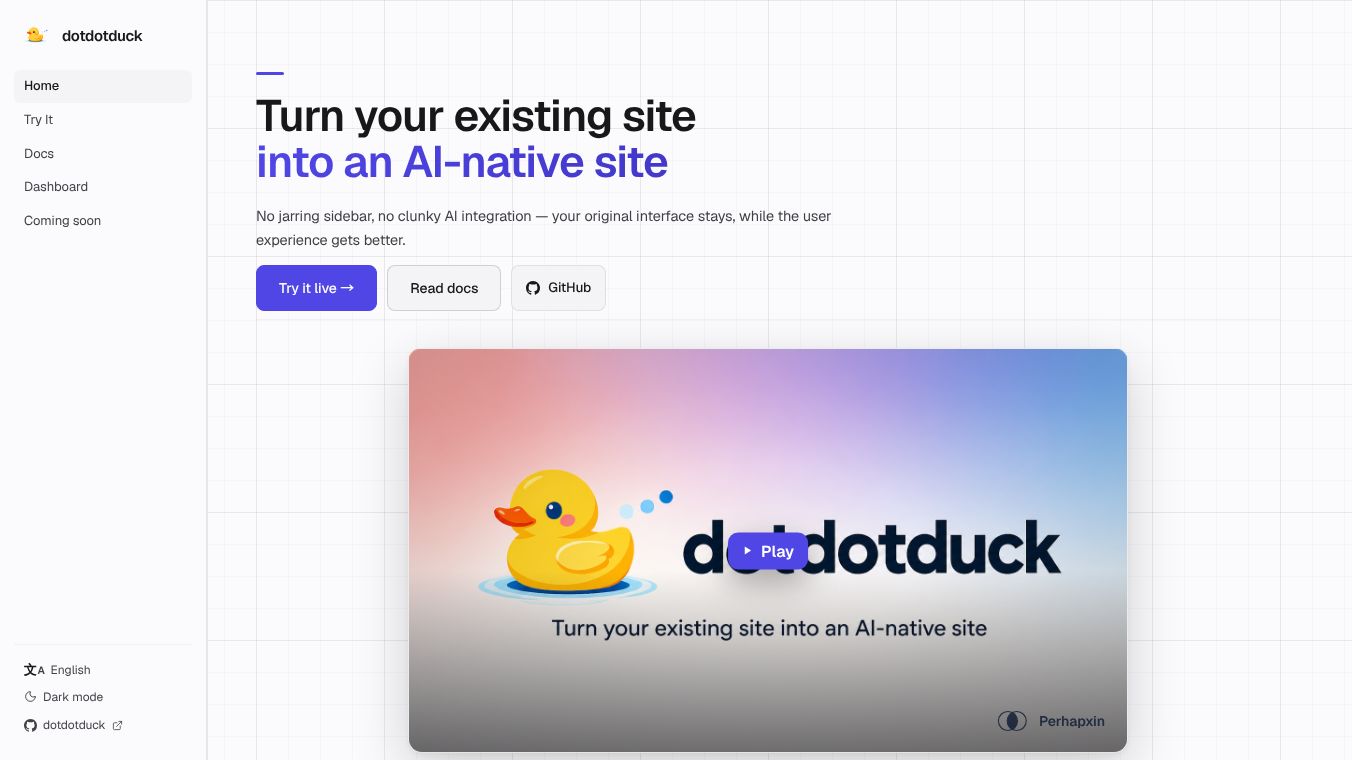





Turn Your Existing Site into an AI-Native Experience
DotDotDuck is a tool that helps website owners add artificial intelligence to their sites without changing how the site looks. It works by adding smart features that blend into the background, so users get a better experience without seeing annoying sidebars or chat boxes. The goal is to make the website feel more helpful and modern while keeping the original design intact.
Benefits
DotDotDuck offers several key advantages for website developers and users. First, it uses a command palette that users can open with a simple keyboard shortcut. This lets them access all features quickly without cluttering the screen. Second, it includes a WebAgent that can perform tasks directly on the page. This agent can click buttons, fill forms, and download files based on voice or text commands. Third, it allows for inline AI editing. Users can highlight any text to get suggestions for rewriting, summarizing, or fixing grammar without leaving the input field. Finally, the tool provides analytics that track what users actually want to do, giving site owners real data on user intent instead of just guessing from clicks.
Use Cases
This tool is perfect for any business that wants to upgrade its website with AI capabilities. For example, a customer support site could use the WebAgent to help users find answers or fill out forms automatically. An e-commerce store could use the proactive engagement feature to ask customers if they want tracking information when they linger on a return policy page. Developers can also use the inline editing feature to help users write better content or fix mistakes on the fly. The tool is designed for sites that want to stay modern and efficient without forcing users to learn a new interface.
Pricing
Pricing details are not available in the provided information.
Vibes
Public reception and specific reviews are not available in the provided information.
Additional Information
DotDotDuck is built using the @perhapxin/dddk npm package. It requires only three lines of code to install and set up on a website. The tool supports various AI providers like OpenAI and Google AI Studio. It also handles security by keeping API keys on the server side. The implementation is flexible, allowing developers to customize the look and feel using CSS variables.
This content is either user submitted or generated using AI technology (including, but not limited to, Google Gemini API, Llama, Grok, and Mistral), based on automated research and analysis of public data sources from search engines like DuckDuckGo, Google Search, and SearXNG, and directly from the tool's own website and with minimal to no human editing/review. THEJO AI is not affiliated with or endorsed by the AI tools or services mentioned. This is provided for informational and reference purposes only, is not an endorsement or official advice, and may contain inaccuracies or biases. Please verify details with original sources.





Comments
Please log in to post a comment.