Dockly





What is Dockly
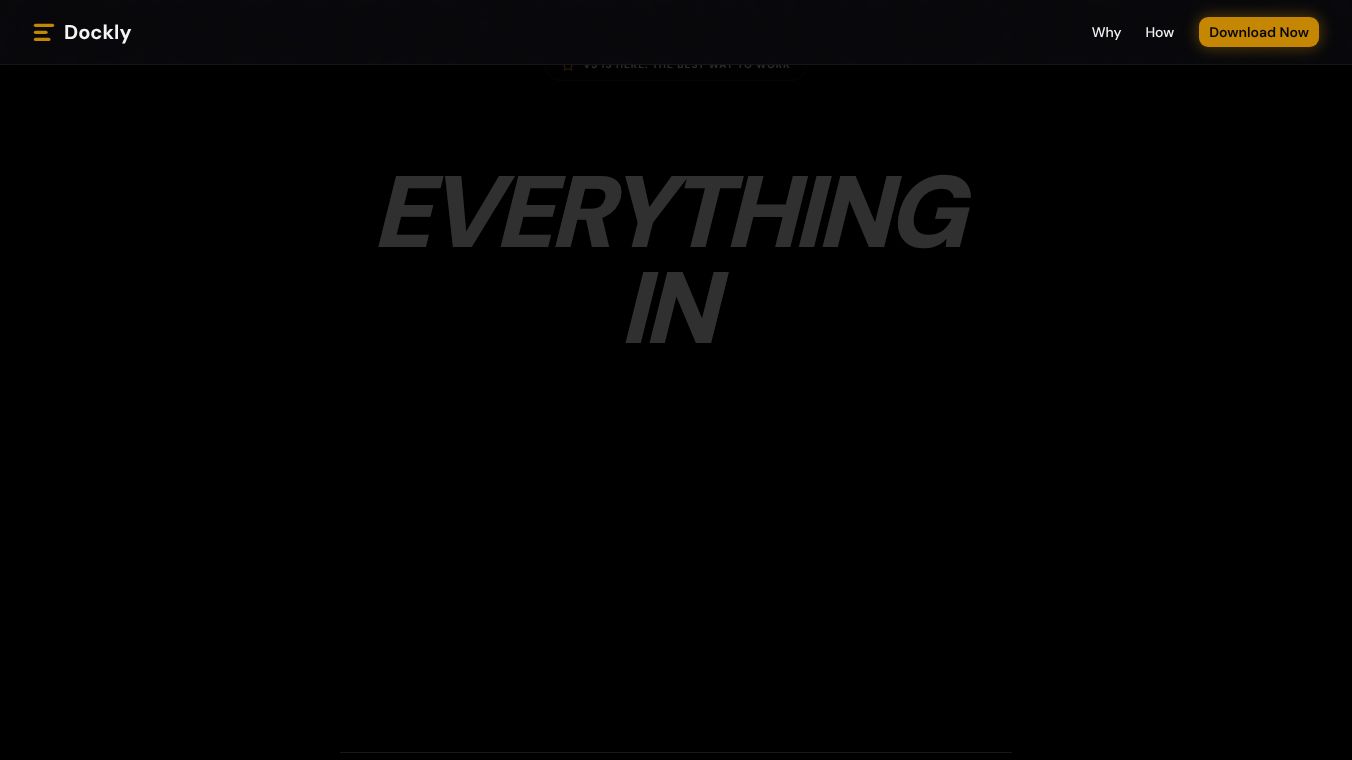
Dockly is a tool designed to help developers manage their Docker containers more easily. It acts as a central dashboard that brings all your containers into one view. Instead of checking different terminals or files to see what is running, users can see everything in one place. The platform simplifies the process of starting, stopping, and updating containers. It also helps teams share their container configurations so that everyone works with the same setup. This makes it easier to move projects from one computer to another without losing settings.
Benefits
Dockly offers several key advantages for anyone working with Docker. First, it provides a clear visual overview of all active containers. This helps users spot issues quickly without digging through logs. Second, it allows teams to save and share container stacks. A stack is a group of containers that work together. By saving these groups, teams can ensure that new members get the exact same environment as the original creators. Third, the tool supports version control for containers. Users can track changes over time and roll back to previous versions if something goes wrong. This feature adds a layer of safety to the development process. Finally, Dockly integrates well with other tools, making it a smooth addition to existing workflows.
Use Cases
Dockly is useful in many different situations. Developers often use it to manage local projects. It helps them keep track of multiple services running on their personal computers. For example, a developer might run a database, a web server, and a cache all at once. Dockly lets them manage all three from a single screen. Teams also use it for collaboration. When a group of people works on the same code, they need consistent environments. Dockly allows them to share their container setups so that everyone starts with the same foundation. DevOps engineers can use the tool to monitor production environments. They can see which containers are running and check their status without logging into each server individually. Students and learners can also benefit from the tool. It provides a simple interface that makes learning about containers less intimidating.
Pricing
Dockly offers a free plan that includes basic features for individuals. This plan allows users to manage a limited number of containers and access core dashboard features. For teams and larger organizations, there are paid plans available. These plans provide more advanced capabilities such as unlimited container management, team collaboration tools, and priority support. The pricing structure is designed to scale with the size of the user group. Users can choose the plan that fits their needs without paying for features they do not use.
Vibes
Users generally have a positive view of Dockly. Many appreciate how it simplifies the complexity of Docker. Reviews often mention the clean interface and how easy it is to navigate. People who are new to containers find the visual dashboard very helpful. It reduces the learning curve significantly. Team members value the ability to share stacks. This feature saves time when onboarding new developers. Some users note that the free plan is generous enough for personal projects. However, a few users suggest that more advanced monitoring features could be added in future updates. Overall, the community sees Dockly as a reliable helper for managing containerized applications.
Additional Information
Dockly has grown through community support and word of mouth. It started as a project to solve common problems faced by Docker users. The team behind the project focuses on keeping the software simple and effective. They regularly update the platform to fix bugs and add new features based on user feedback. There are no major corporate partnerships currently listed, but the tool is widely used in open-source communities. The project maintains an active presence on social media and developer forums where users can ask questions and share tips.
This content is either user submitted or generated using AI technology (including, but not limited to, Google Gemini API, Llama, Grok, and Mistral), based on automated research and analysis of public data sources from search engines like DuckDuckGo, Google Search, and SearXNG, and directly from the tool's own website and with minimal to no human editing/review. THEJO AI is not affiliated with or endorsed by the AI tools or services mentioned. This is provided for informational and reference purposes only, is not an endorsement or official advice, and may contain inaccuracies or biases. Please verify details with original sources.

Comments
Please log in to post a comment.