Design In The Browser
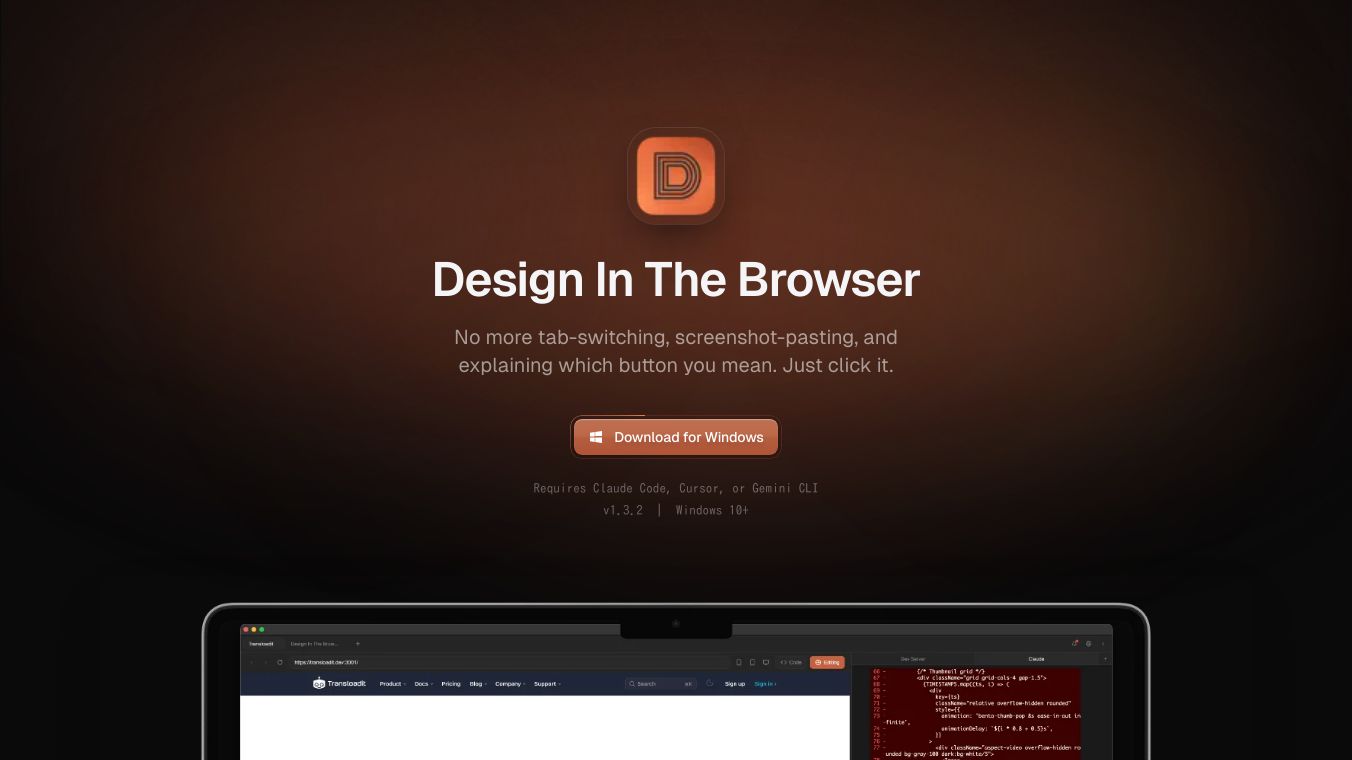





Design In The Browser is a visual tool that helps frontend developers make changes to their websites using artificial intelligence. It allows users to simply click on any part of their website and describe the change they want in everyday language. The AI then automatically makes that change for them.
This tool makes website editing much faster and easier. Instead of figuring out complicated code or trying to explain layouts in detail, users can just point and tell the AI what to do. It sends the instruction and a picture of the website directly to AI coding assistants, which then make the edits. This means developers can focus more on creating and less on the technical details of explaining changes.
Design In The Throwser can be used for various tasks. It can create new SVG icons or change existing ones, like adjusting their thickness, size, or alignment, as long as they are SVGs in the website's code. It can also follow brand guidelines if they are included in the project's code. While it does not create illustrations or act as an image generator, it helps maintain consistency by working with existing design elements.
Users can also reference external designs by taking a screenshot and adding it to the AI's instructions. This helps the AI understand the desired look or style even if it's not directly on the website being edited. The tool supports making multiple edits at once and works across different screen sizes, and can connect with the user's preferred code editor.
This content is either user submitted or generated using AI technology (including, but not limited to, Google Gemini API, Llama, Grok, and Mistral), based on automated research and analysis of public data sources from search engines like DuckDuckGo, Google Search, and SearXNG, and directly from the tool's own website and with minimal to no human editing/review. THEJO AI is not affiliated with or endorsed by the AI tools or services mentioned. This is provided for informational and reference purposes only, is not an endorsement or official advice, and may contain inaccuracies or biases. Please verify details with original sources.




Comments
Please log in to post a comment.