CoreSound
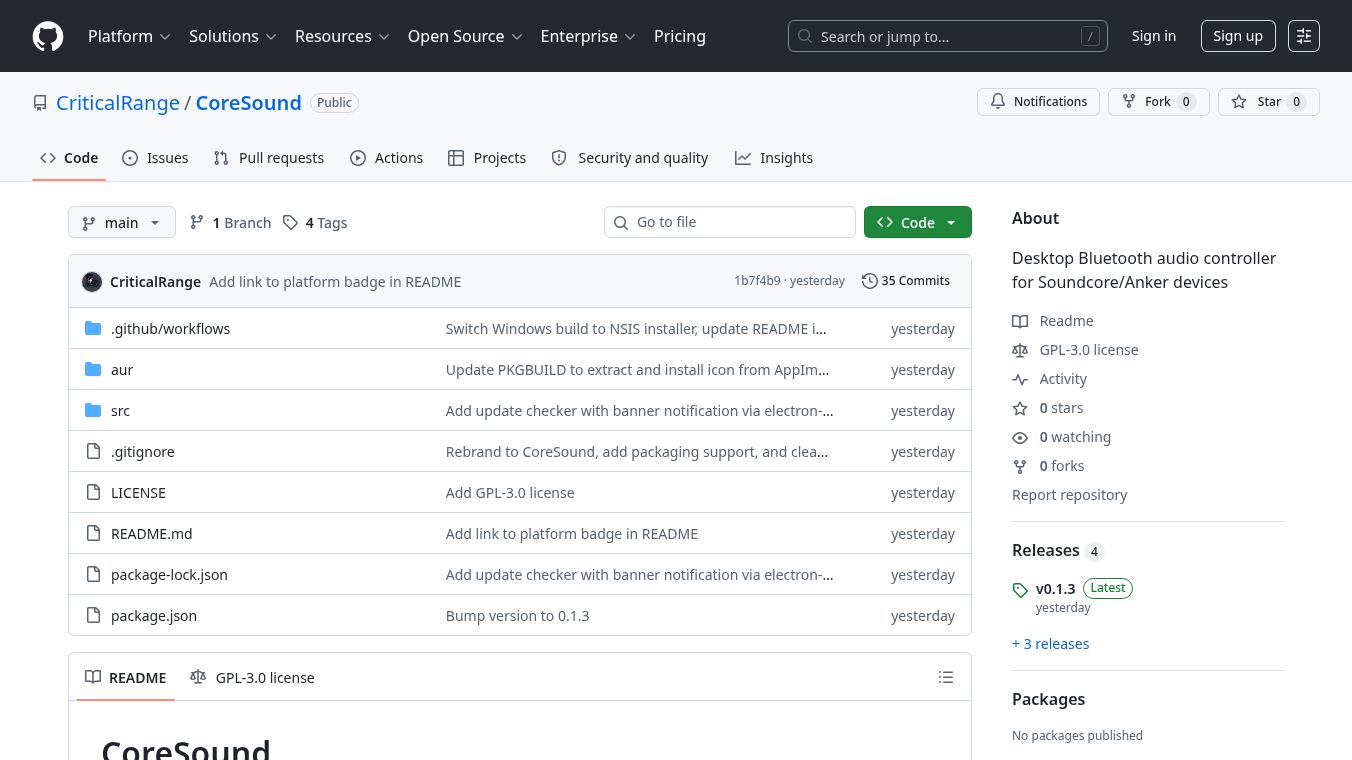





CoreSound is a free desktop program that helps people control their Soundcore or Anker Bluetooth speakers and headphones on computers. Instead of using a phone app, this software talks directly to your Bluetooth device to change settings like noise cancellation and sound equalization. It works on both Windows and Linux computers and is built by a community of developers who share their work openly.
Benefits
CoreSound gives users full control over their audio gear without needing a smartphone nearby. It lets you switch between different noise cancellation modes such as normal, transparency, or wind noise protection. Users can also adjust the sound quality by choosing from preset equalizer settings or creating their own custom sound profiles. The program shows the current battery level of your device and allows you to connect multiple speakers at once. It automatically recognizes your specific model and saves your preferences so you do not have to set them up every time you turn on the computer.
Use Cases
This tool is perfect for people who want to manage their audio equipment while working or gaming on a desktop. It is useful for Linux users who often cannot install official mobile apps on their computers. Audio enthusiasts can use it to fine-tune their listening experience by adjusting bass, treble, and other frequencies. It is also helpful for anyone who prefers a desktop interface over a phone screen for quick adjustments. You can use it to monitor battery life or to quickly switch between different listening scenes like music or calls.
Pricing
CoreSound is completely free to use. It is open-source software, which means anyone can download and run it without paying any fees. The developers have made the source code available so that users can study how it works or even contribute to improving it.
Vibes
Users who have tried CoreSound generally appreciate its ability to work without a phone. Many find it refreshing to have a desktop companion that does not require constant access to a mobile device. The open-source nature of the project builds trust because the code is transparent and community-driven. Some users note that the interface is simple and easy to understand for those who are not experts in technology. Overall, the reception is positive among people who want more control over their Bluetooth audio devices.
Additional Information
The project is built using popular tools like Node.js and Electron. It is released under the GPL-3.0-only license, which allows users to modify and share the software freely. The team maintains the project on GitHub where you can find the latest updates and installation guides. The software supports both Windows and Linux systems but requires specific hardware features on Linux computers to work fully. Developers continue to update the device capability list to support new models as they become available.
This content is either user submitted or generated using AI technology (including, but not limited to, Google Gemini API, Llama, Grok, and Mistral), based on automated research and analysis of public data sources from search engines like DuckDuckGo, Google Search, and SearXNG, and directly from the tool's own website and with minimal to no human editing/review. THEJO AI is not affiliated with or endorsed by the AI tools or services mentioned. This is provided for informational and reference purposes only, is not an endorsement or official advice, and may contain inaccuracies or biases. Please verify details with original sources.


Comments
Please log in to post a comment.