Coherence Studio
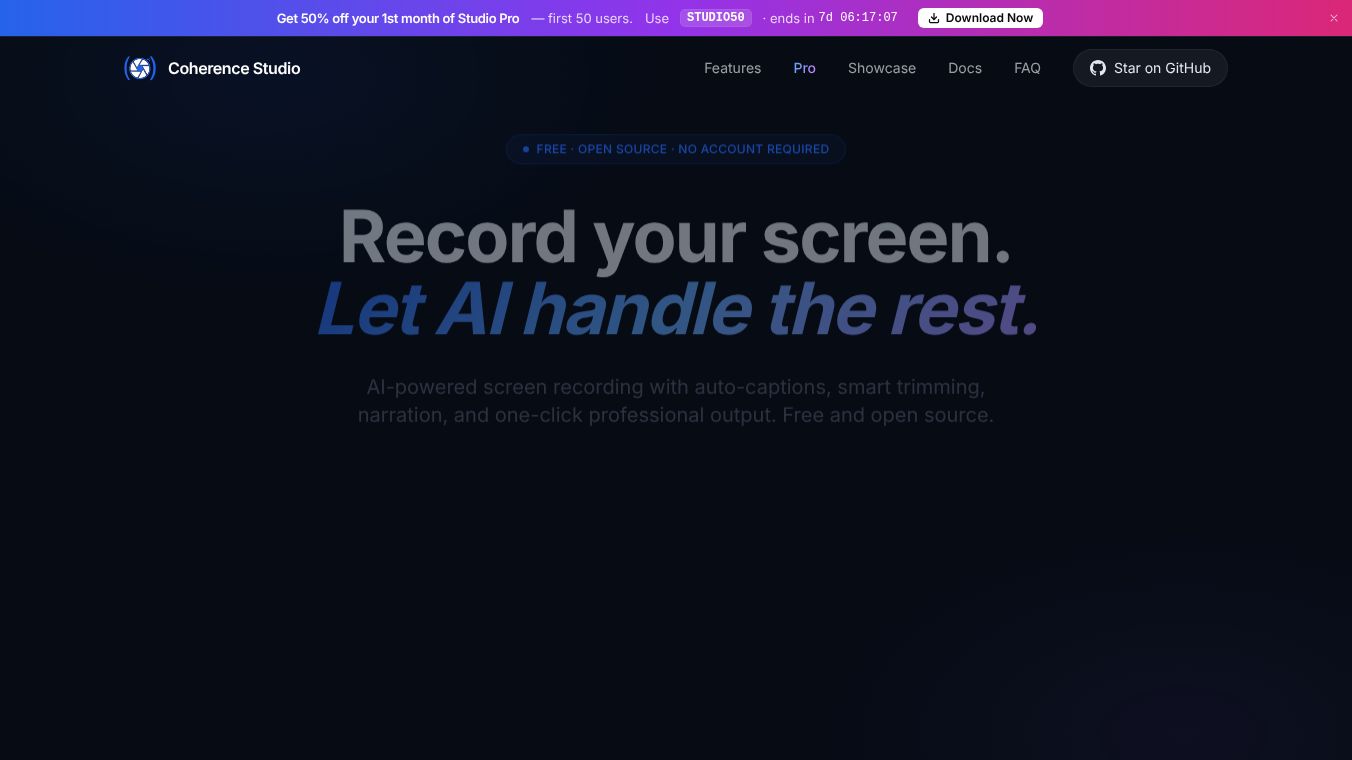





Coherence Studio is a free and open-source tool designed to help users record their computer screens and automatically edit the videos. It was created by the same team that built the Go programming language. Instead of spending hours manually adding captions or cutting out pauses, this software uses artificial intelligence to handle the heavy lifting. It turns raw screen recordings into polished, professional videos with just a few clicks.
Benefits
The main advantage of Coherence Studio is that it saves time by automating the editing process. It uses advanced AI to generate accurate captions automatically. The tool also removes dead air and loading screens to make the video flow better. Users can add professional voiceovers and apply effects like zooming in on the cursor with one action. It supports high-quality recording on both Windows and Mac computers. The software is completely free to use and allows anyone to contribute to its development.
Use Cases
This tool is perfect for content creators who need to make quick videos for social media or YouTube. It works well for developers who want to record their coding sessions without worrying about editing. Teachers can use it to create lesson videos with automatic subtitles. Marketers can record product demos and instantly add captions to reach a wider audience. It is also useful for anyone who needs to share screen instructions for software or websites.
Pricing
Coherence Studio is free to download and use. It is released under an open-source license, which means users can modify and share the code if they wish. There are no hidden fees or subscription costs.
Vibes
Users appreciate the tool because it removes the frustration of manual editing. The automatic captioning feature is particularly popular because it ensures accuracy without human error. Many developers and creators find the one-click polish feature to be a game changer for their workflow. The community around the project is active, with many people contributing code and sharing tips on how to use the features effectively.
Additional Information
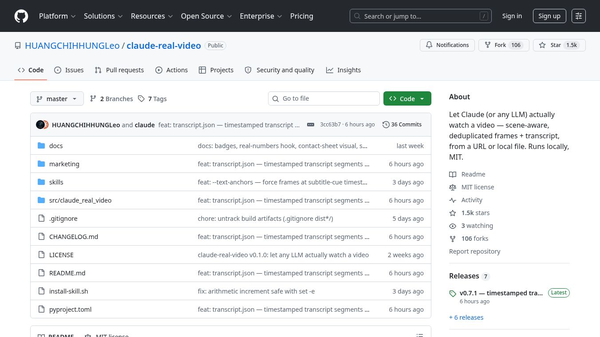
The project is built using JavaScript and TypeScript. It utilizes specific system libraries for screen capture on different operating systems. The team behind the software has a history of building major technology products. The repository shows a large number of commits, indicating active development and community involvement. The project includes clear documentation for installation on macOS, Windows, and Linux systems.
This content is either user submitted or generated using AI technology (including, but not limited to, Google Gemini API, Llama, Grok, and Mistral), based on automated research and analysis of public data sources from search engines like DuckDuckGo, Google Search, and SearXNG, and directly from the tool's own website and with minimal to no human editing/review. THEJO AI is not affiliated with or endorsed by the AI tools or services mentioned. This is provided for informational and reference purposes only, is not an endorsement or official advice, and may contain inaccuracies or biases. Please verify details with original sources.
 No Info
Comments
Please log in to post a comment.