Cloudconvert.ai
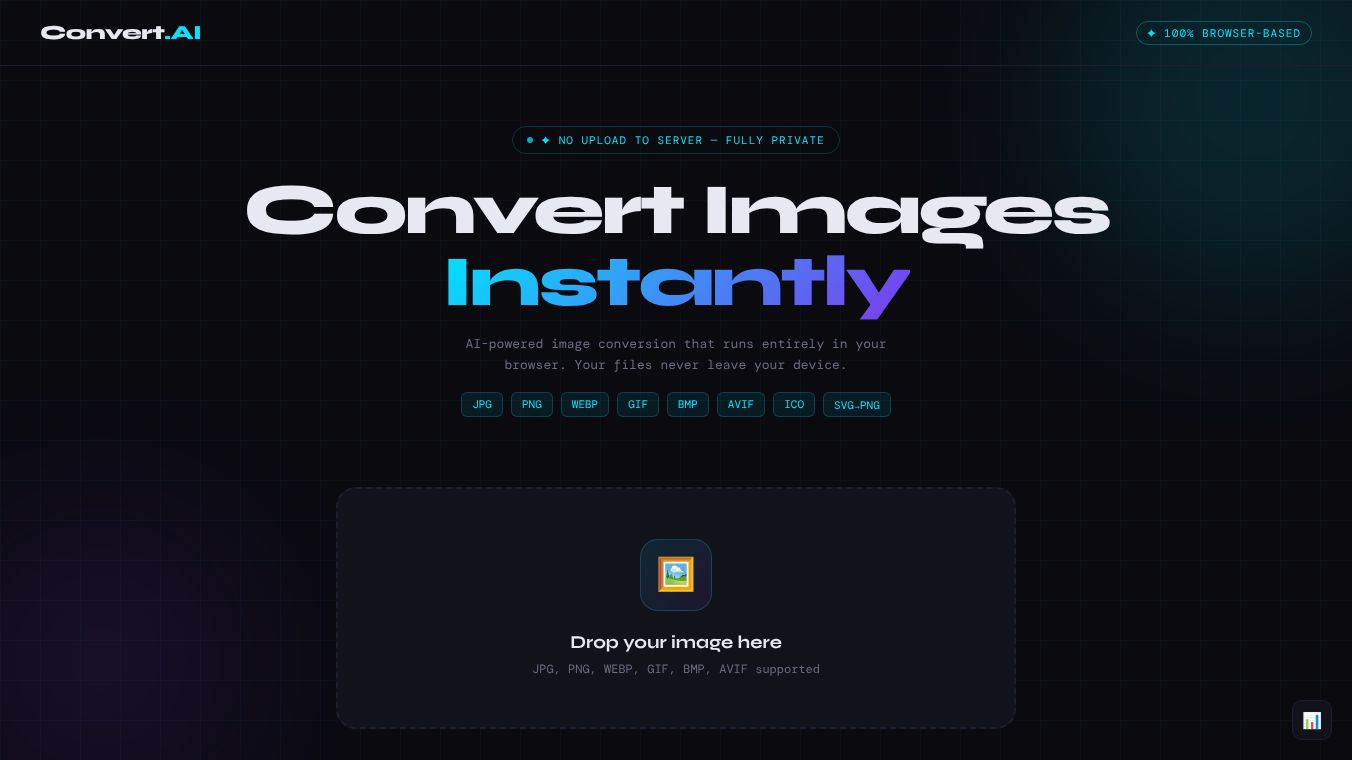





Cloudconvert.ai is a web tool that helps users change image file formats without sending their files to the internet. It uses artificial intelligence to process images directly inside your web browser. This means your photos and graphics stay safe on your computer or phone and never get uploaded to a server. The service is built for people who want fast and secure ways to convert files like JPGs, PNGs, and GIFs into different types.
Benefits
The main advantage of this tool is its total privacy. Because the work happens locally, no one else can see your personal images. It is also completely free to use forever without any hidden fees or limits. The AI engine makes the conversion very fast, so you do not have to wait for uploads or downloads. Users can also adjust the size and quality of their images before saving them. The tool automatically finds the best way to shrink file sizes when switching to formats like WEBP, which helps save space on websites or devices.
Use Cases
This tool works well for anyone who needs to quickly change an image format on a daily basis. Photographers might use it to turn a PNG into a JPG for sharing on social media. Web designers can convert images to WEBP to make their websites load faster. Students or office workers can resize photos to fit into specific documents or presentations. It is also useful for people who want to test different image qualities without worrying about data security. Since it runs in a browser, it works on any computer or mobile device with a web connection.
Pricing
The service is free forever. There are no subscription plans or payment methods required to use the basic conversion features.
Vibes
Users appreciate the tool for its simplicity and security. People who are worried about uploading sensitive photos to third-party sites feel confident using this option. The drag-and-drop interface makes it easy for non-technical users to get started quickly. Many find the instant results and smart compression features very helpful for their workflow.
Additional Information
The tool is designed to run entirely within the browser without needing any software installation. It supports many common image formats including JPG, PNG, WEBP, GIF, BMP, AVIF, ICO, and SVG. The system tracks usage statistics like total visits and average file sizes, though these numbers may show zero in demo versions. The design works well on different screen sizes to ensure a smooth experience on phones and tablets.
This content is either user submitted or generated using AI technology (including, but not limited to, Google Gemini API, Llama, Grok, and Mistral), based on automated research and analysis of public data sources from search engines like DuckDuckGo, Google Search, and SearXNG, and directly from the tool's own website and with minimal to no human editing/review. THEJO AI is not affiliated with or endorsed by the AI tools or services mentioned. This is provided for informational and reference purposes only, is not an endorsement or official advice, and may contain inaccuracies or biases. Please verify details with original sources.
Other Interesting AI Tools



Comments
Please log in to post a comment.