CLI Agent Lint
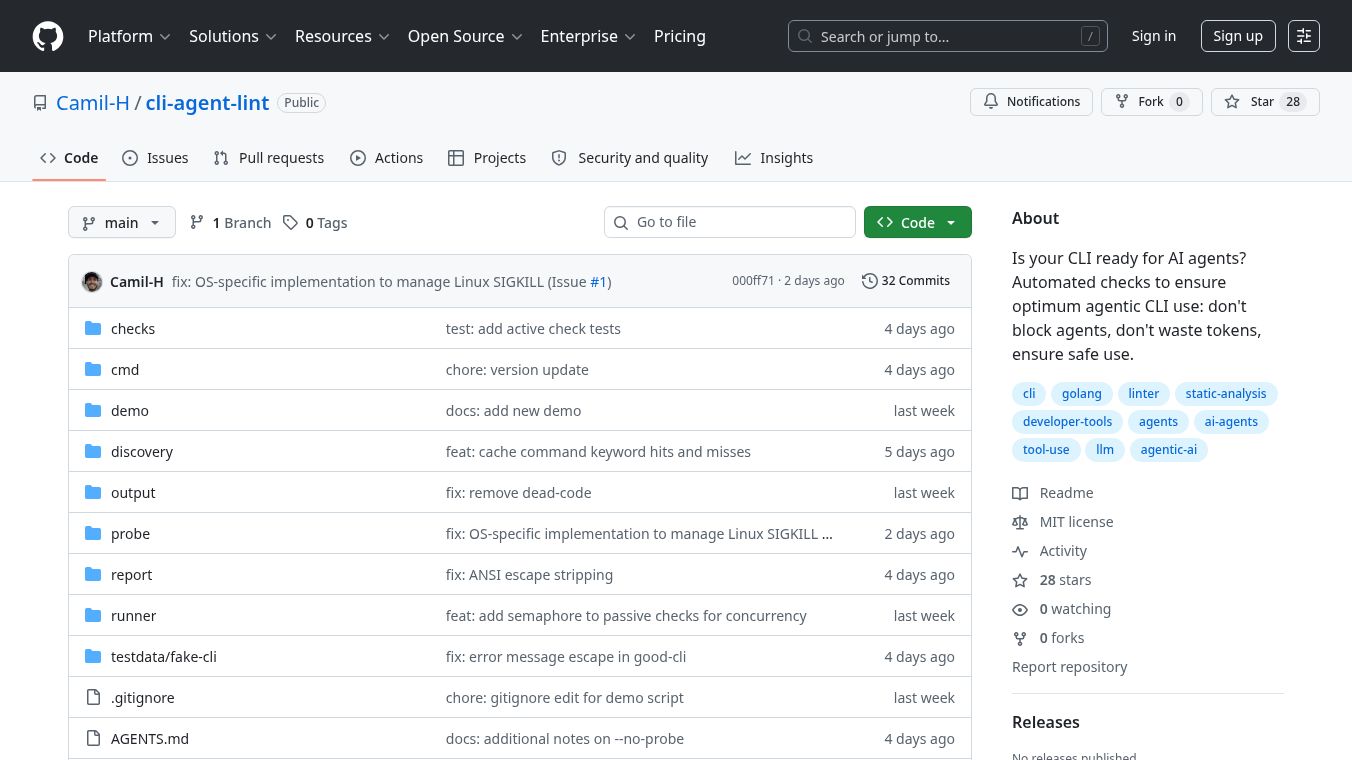





CLI Agent Lint is a tool designed to check how well Command Line Interface (CLI) tools can be used by AI agents. It looks at 34 different things in 5 main areas to give a grade. This helps make sure that CLIs work smoothly with AI, don't waste computer resources, and are safe to use automatically.
Benefits
CLI Agent Lint helps ensure that CLI tools are ready for AI by checking for things like interactive prompts that can stop AI, making sure authentication is non interactive, and confirming that the tool gives clear signals when it finishes or encounters an error. It also checks if CLIs use too many resources by looking for features like JSON output, quiet modes, and ways to limit the information shown. The tool also verifies if an AI can understand how to use a CLI just by reading its help messages, checking for examples and clear error explanations. Additionally, it makes sure that CLIs are safe for automation by checking for confirmation steps on dangerous commands, preventing harmful inputs, and supporting dry run options. Finally, it ensures that AI can trust the output of a CLI by checking for consistent results, clear error codes, and support for time limits and rate limiting information.
Use Cases
This tool is useful for developers who want to make their CLI tools compatible with AI agents. It can be used to audit existing CLI tools to see how well they will work with AI. Developers can run checks to identify areas where their CLI might cause problems for an AI, such as unexpected prompts or inefficient output. The tool can help improve the design of CLIs to be more predictable and safer for automated use. It can also be used to test if an AI can easily learn to use a CLI based on its help documentation.
Pricing (ONLY include if available)
Information about pricing is not available in the provided article.
Vibes (ONLY include if available)
Information about public reception, reviews, or testimonials is not available in the provided article.
Additional Information (ONLY include if available)
The tool can be installed using the Go package manager with the commandgo install github.com/Camil-H/cli-agent-lint@latest. It offers various flags for customization, such as specifying output format (textorjson), disabling color or informational output, running only passive checks, setting severity levels, filtering by category, skipping specific checks, and setting command timeouts. The project is licensed under the MIT license.
This content is either user submitted or generated using AI technology (including, but not limited to, Google Gemini API, Llama, Grok, and Mistral), based on automated research and analysis of public data sources from search engines like DuckDuckGo, Google Search, and SearXNG, and directly from the tool's own website and with minimal to no human editing/review. THEJO AI is not affiliated with or endorsed by the AI tools or services mentioned. This is provided for informational and reference purposes only, is not an endorsement or official advice, and may contain inaccuracies or biases. Please verify details with original sources.
Other Interesting AI Tools

Comments
Please log in to post a comment.