Clawd Cursor
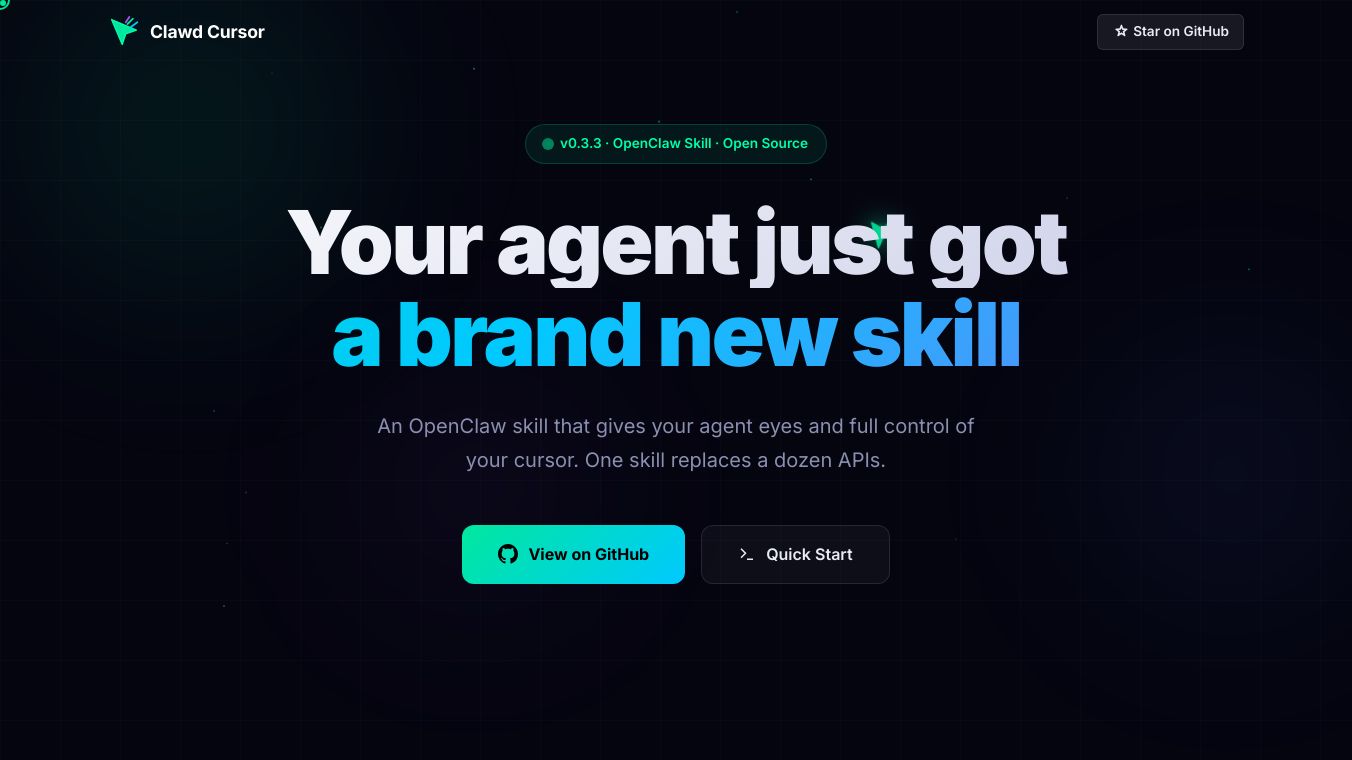





OpenClaw introduces a new capability that allows AI agents to see and control a computer's cursor. This tool is designed to simplify how AI interacts with computers, replacing many different programming interfaces with just one skill. It is made for easy setup, with the goal of being ready to use in about 5 to 10 minutes. For Windows users, setting it up involves a simple script that handles necessary installations and configurations.
The system needs Node.js version 20 or newer and PowerShell. It can also use an AI API key for more advanced features, but it can perform common tasks even without an internet connection. Support for macOS and Linux is planned for the future.
OpenClaw has two main ways it handles tasks:
Path A uses AI, like Claude, to see the computer screen through screenshots. The AI then figures out and performs tasks step by step, checking each action before moving on. This method is good for complicated tasks that involve multiple steps or programs, especially when the user interface is unfamiliar.
Path B is faster and cheaper for simple, single actions. It breaks down tasks and directly interacts with computer elements by their names. This path uses less or no AI, making it much quicker for common actions. It can still use AI if it encounters something it doesn't recognize.
When it comes to performance, simple tasks like opening an app, clicking, and typing can be done in about 2 seconds with Path B, costing nothing in AI usage. More complex tasks using Path A take about 15 seconds for each step and involve AI costs. Path A has shown a 100% success rate in tests involving tasks like using Google Docs, GitHub, and managing files. It can even retry actions if they fail.
Both methods use a VNC client to control the mouse, keyboard, and take screenshots. This means you can watch the AI's actions in real-time through a VNC viewer.
Key features include the ability to understand user interface elements by their names, not just their location on the screen. There's a fast option for common tasks that doesn't use AI. The system also has safety features that can require your approval before the AI performs potentially risky actions like deleting files.
Benefits
- Allows AI agents to see and control the computer cursor.
- Simplifies AI computer interaction by replacing multiple APIs with a single skill.
- Quick setup, often ready in 5-10 minutes.
- Operates efficiently for both simple and complex tasks.
- Offers a fast, low-cost option for common actions.
- Achieves high success rates for complex workflows.
- Provides real-time observation of AI actions.
- Includes safety features for user approval on sensitive actions.
Use Cases
- Automating multi-step workflows on a computer.
- Interacting with unfamiliar user interfaces.
- Performing simple, repetitive computer tasks quickly.
- Managing files and using applications like Google Docs and GitHub autonomously.
Pricing
Pricing details are not available in the provided information.
Vibes
Path A has demonstrated a 100% success rate on tested workflows involving Google Docs, GitHub, and file operations, with self-healing capabilities for retries on failure.
Additional Information
Support for macOS and Linux is planned for future releases. The system can operate offline for common tasks. It uses the VNC protocol for execution, allowing compatibility with any VNC server.
This content is either user submitted or generated using AI technology (including, but not limited to, Google Gemini API, Llama, Grok, and Mistral), based on automated research and analysis of public data sources from search engines like DuckDuckGo, Google Search, and SearXNG, and directly from the tool's own website and with minimal to no human editing/review. THEJO AI is not affiliated with or endorsed by the AI tools or services mentioned. This is provided for informational and reference purposes only, is not an endorsement or official advice, and may contain inaccuracies or biases. Please verify details with original sources.

Comments
Please log in to post a comment.