ClawBands
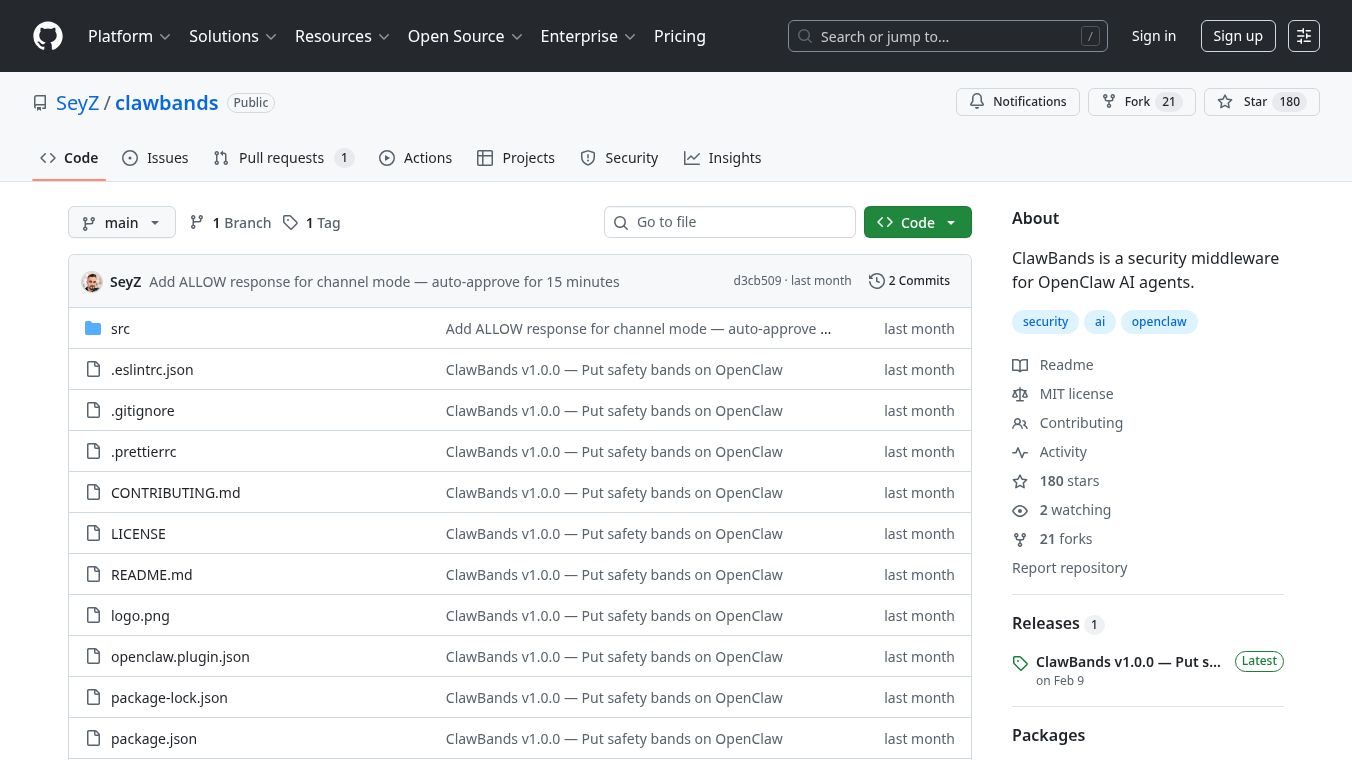





ClawBands is a security tool designed to protect users when they are interacting with AI agents, specifically those built with OpenClaw. It acts like a safety gate, making sure that the AI agent gets your explicit permission before it does anything that could be risky, like changing or deleting files, running commands on your computer, or making calls to other services. This is important because even if the AI agent's environment is kept separate from your main computer system, it might still have access to other services that could be harmed.
Benefits
ClawBands ensures that no action is taken by the AI agent without your direct approval. It pauses the agent right before it tries to perform an action and asks you what to do. This gives you control over what the AI can do, similar to how asudocommand works on a computer. You can set up specific rules, like allowing the AI to read files but requiring your permission before it can write to them or delete them. All the decisions you make are recorded permanently, creating a clear history of every action. Because it runs directly within the system, it doesn't slow things down.
Use Cases
ClawBands can be used in a terminal where it will present an interactive prompt for your approval. It also works with popular messaging apps like WhatsApp and Telegram. When used with these platforms, the AI agent will ask for a simple YES or NO answer from you and then use a special tool calledclawbands_respondto send your answer back. It can protect against risky actions involving file systems, shell commands, web browsing, network requests, and more. If the AI agent tries to use a tool it hasn't been specifically told how to handle, ClawBands will automatically ask for your permission.
Vibes
Users can review the history of decisions made by ClawBands using theclawbands auditcommand, which shows which tool was used, what decision was made (allowed, approved, rejected, or blocked), and when it happened. Theclawbands statscommand offers a summary of all actions, including how many times each decision type was used and how long it took on average to get approval.
Additional Information
To use ClawBands, you need Node.js version 18.0.0 or higher and OpenClaw installed. Installation is done through the command line. ClawBands stores its policies, audit logs, and statistics in a specific directory on your computer. The project is open source and welcomes contributions from others. It is licensed under the MIT license.
This content is either user submitted or generated using AI technology (including, but not limited to, Google Gemini API, Llama, Grok, and Mistral), based on automated research and analysis of public data sources from search engines like DuckDuckGo, Google Search, and SearXNG, and directly from the tool's own website and with minimal to no human editing/review. THEJO AI is not affiliated with or endorsed by the AI tools or services mentioned. This is provided for informational and reference purposes only, is not an endorsement or official advice, and may contain inaccuracies or biases. Please verify details with original sources.

 No Info

Comments
Please log in to post a comment.