Claw Desktop
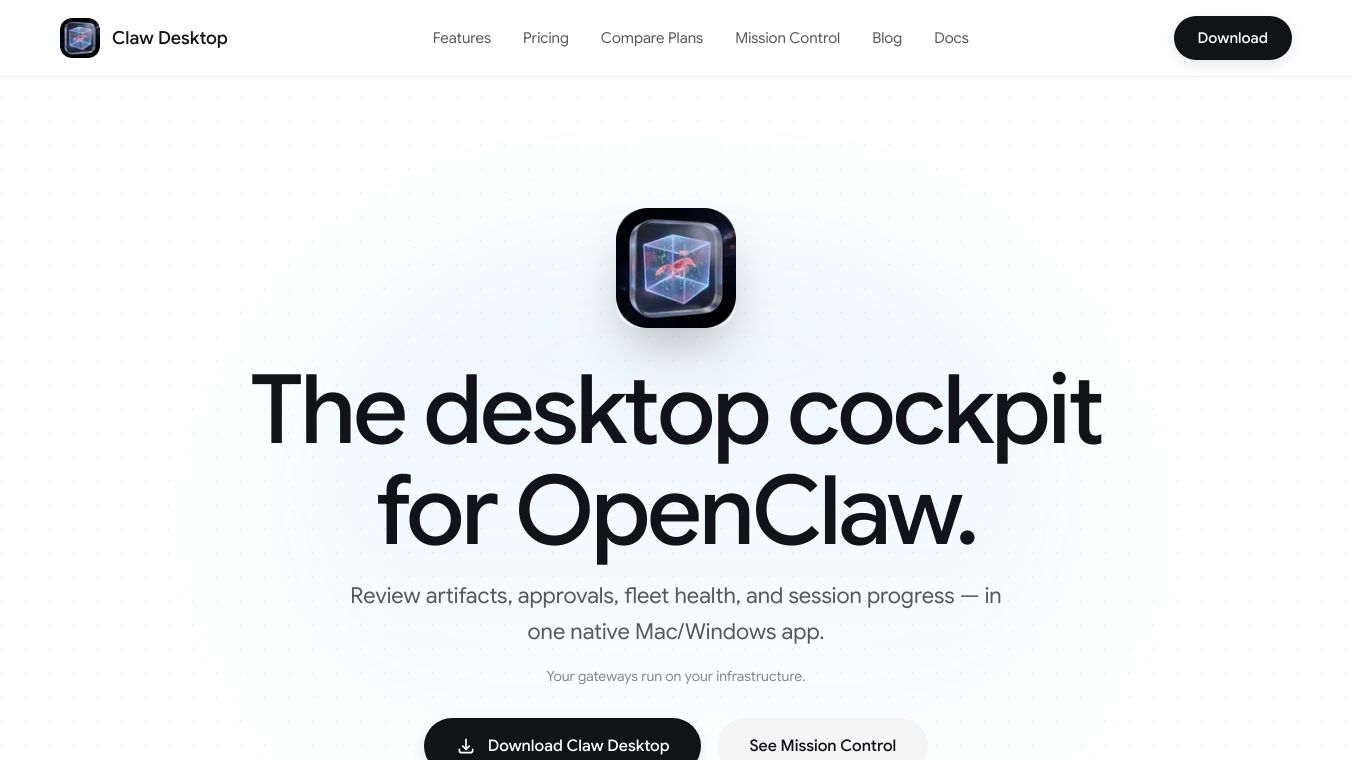





Claw Desktop is a desktop application for Mac and Windows that acts as a command center for managing your AI tools. It helps you keep track of your AI projects, see what changes they are making, and manage their performance.
Benefits
Claw Desktop gives you a clear view of your AI sessions, including their progress and overall health. You can easily see all the changes your AI agents make to files and code in one place. It also has a system for approving important actions, so you can review them before they happen. The app provides a timeline of all your AI activities, making it simple to catch up on past work. You can also monitor your AI fleet's health, see how much resources are being used, and track costs. Managing individual AI sessions is straightforward, with detailed views of tasks and access to summaries of their work.
Use Cases
This application is useful for anyone working with AI agents. You can use it to oversee AI projects, review code and file changes made by AI, and manage approval workflows for sensitive operations. It's also helpful for tracking the performance and costs of your AI fleet. The timeline feature allows for quick reviews of past AI work, and the session management tools help keep track of individual AI tasks from beginning to end. The unified inbox for AI conversations makes it easy to manage interactions across different sessions and devices.
Pricing
Claw Desktop offers a Free plan for one device and one gateway with basic features. The Claw Pro plan costs $19 per month and allows up to three devices and gateways with advanced features. For teams, the Team plan is $49 per month, supporting up to 10 seats and 20 devices or gateways, and includes priority support. A Business plan is also available, with pricing provided upon contact.
Vibes
Users can manage and monitor their AI fleet, review artifacts, approvals, fleet health, and session progress. The application connects to OpenClaw gateways, which can be hosted on the user's own infrastructure, such as a VPS, Mac mini, or local machine.
Additional Information
Gateways run on the user's own computer systems, and Claw Desktop functions as a control layer without accessing user code, files, or prompts. A gateway is the server running an AI agent, a device is an installation of Claw Desktop, and a seat is for a team member's login.
This content is either user submitted or generated using AI technology (including, but not limited to, Google Gemini API, Llama, Grok, and Mistral), based on automated research and analysis of public data sources from search engines like DuckDuckGo, Google Search, and SearXNG, and directly from the tool's own website and with minimal to no human editing/review. THEJO AI is not affiliated with or endorsed by the AI tools or services mentioned. This is provided for informational and reference purposes only, is not an endorsement or official advice, and may contain inaccuracies or biases. Please verify details with original sources.
Comments
Please log in to post a comment.