Clauge — Run Claude parallel sessions
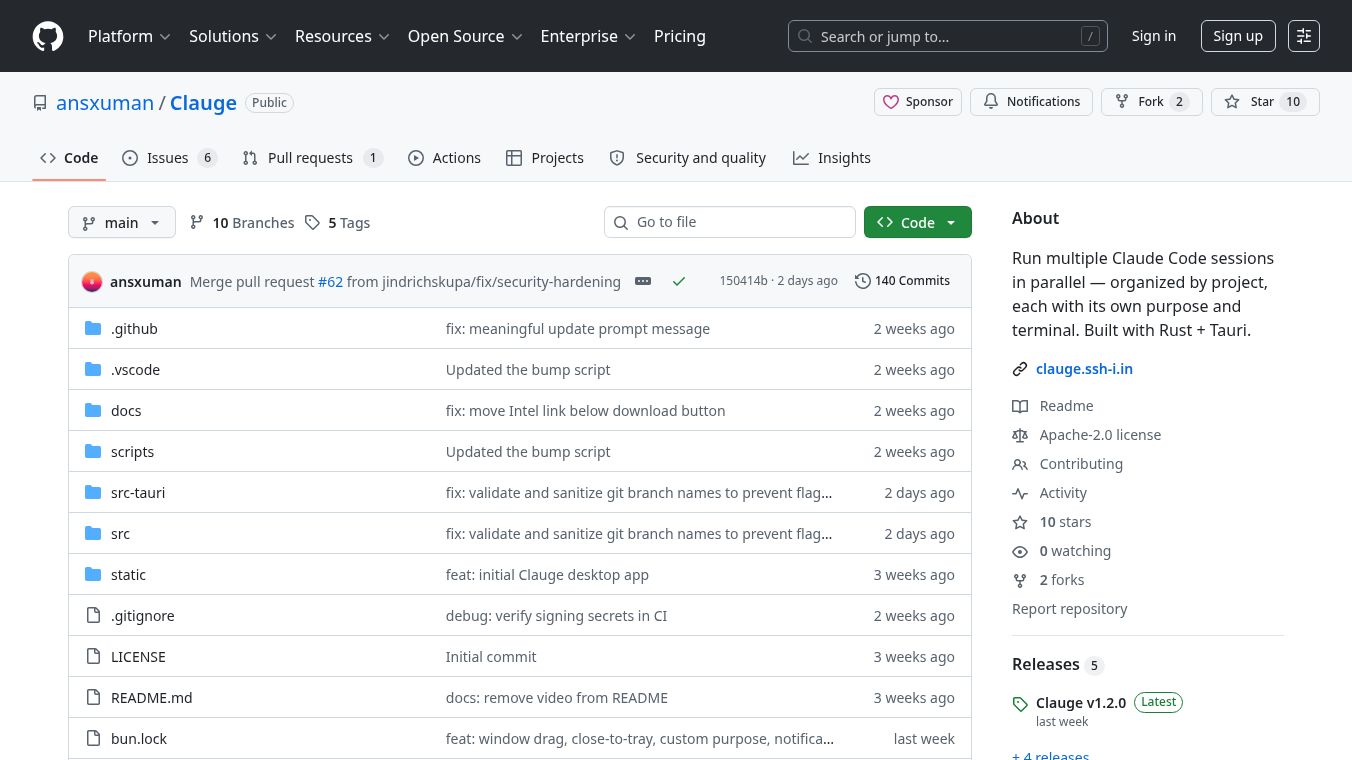





Clauge is a desktop application that lets you run many Claude Code sessions at the same time. You can keep these sessions organized by project. Each session has its own job and terminal, so you can focus on one task without getting mixed up with others. The sessions are kept separate automatically.
Benefits
Clauge makes it easy to manage multiple AI coding conversations. It has a built-in terminal that works fully, showing colors and letting you scroll and resize. You can switch between sessions instantly without Claude having to start over. Because it's built with Rust and Tauri, Clauge is very light on your computer, using only about 7MB of memory. It does not use extra software like Electron or Chromium. Your sessions are organized by project folders, and it can find existing Claude Code sessions automatically.
Use Cases
This tool is great for developers and anyone who uses Claude for coding tasks. You can use different sessions for different purposes like brainstorming ideas, working on development, reviewing code, checking pull requests, or debugging problems. Each type of session is set up to help with that specific task.
Pricing
Information about pricing is not available in the provided article.
Vibes
Information about public reception or reviews is not available in the provided article.
Additional Information
Clauge keeps track of how much you use it, showing your session and weekly limits in the menu bar. You can also change how it looks with dark or light themes, different accent colors, and keyboard shortcuts. For example, you can press Cmd+N to start a new session or Cmd+1 through Cmd+9 to switch between them. The app is built using SvelteKit and Svelte 5 for the part you see, and Rust and Tauri v2 for the part that runs in the background. It uses xterm.js and portable-pty for the terminal. To build it yourself, you need to copy the code, install some tools usingbun install, and then run it withbun run tauri dev.
This content is either user submitted or generated using AI technology (including, but not limited to, Google Gemini API, Llama, Grok, and Mistral), based on automated research and analysis of public data sources from search engines like DuckDuckGo, Google Search, and SearXNG, and directly from the tool's own website and with minimal to no human editing/review. THEJO AI is not affiliated with or endorsed by the AI tools or services mentioned. This is provided for informational and reference purposes only, is not an endorsement or official advice, and may contain inaccuracies or biases. Please verify details with original sources.

Comments
Please log in to post a comment.