Claudine - Kanban for Claude
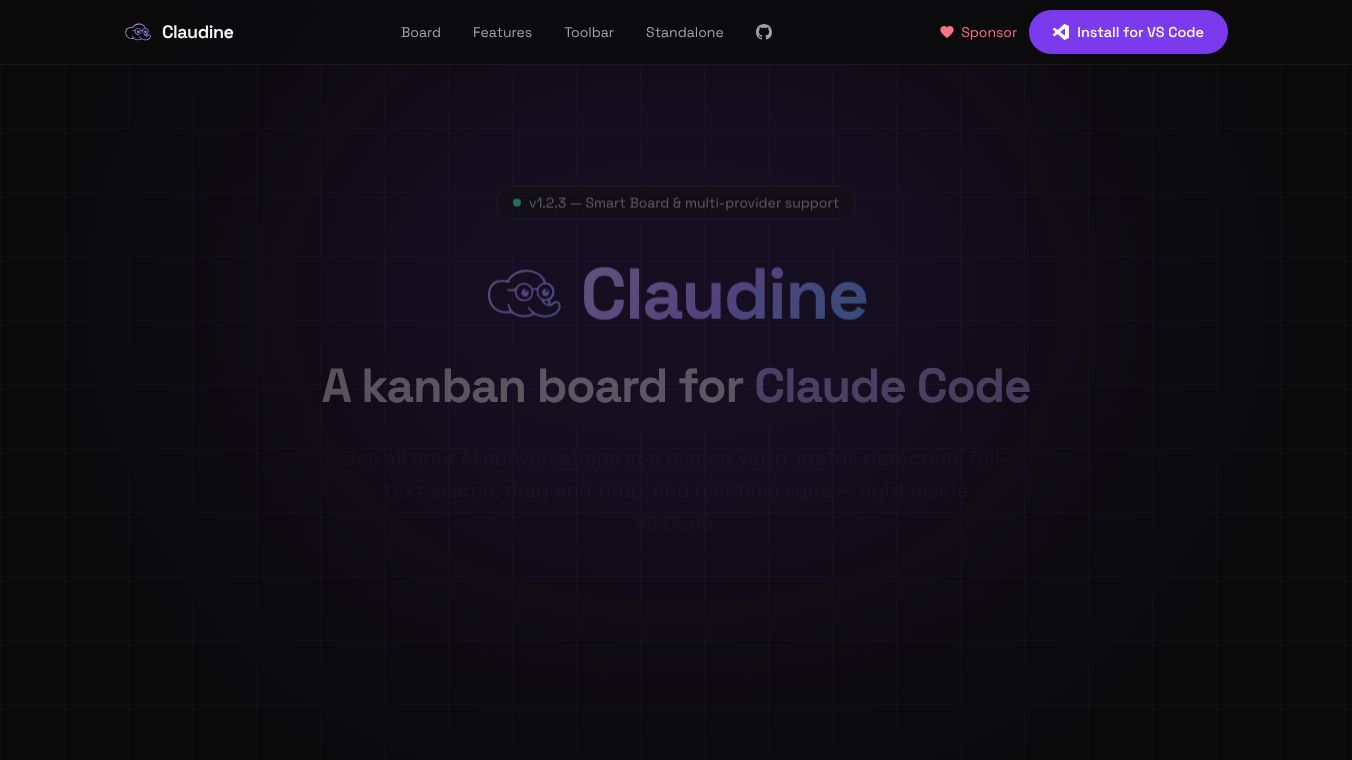





Claudine is a tool that helps you manage your AI conversations with Claude Code and Codex. It works like a visual board, similar to a kanban board, right inside your VS Code editor. This means you can see all your AI chats laid out clearly, making it easier to keep track of what you're working on.
Benefits
Claudine makes managing AI conversations much simpler. It automatically sorts your chats, giving each one a title, description, and status. It can even figure out if a task is a bug, a new feature, or just a general task. The board updates instantly as you chat with the AI, and you can easily search through all your conversations. It also offers AI-powered summaries for card titles and descriptions, helping you grasp the main points quickly. For teams, it provides a smart board view that shows tasks across different projects, organized into columns like Running, Needs Input, and In Review.
Use Cases
This tool is perfect for anyone using Claude Code or Codex for development. Developers can use it to track bugs, manage feature requests, and organize their coding tasks. It's also useful for managing AI projects that involve multiple steps or agents, showing the status of each part. Claudine can even detect when the AI is asking a question and automatically move that task to a "Needs Input" section. It works for single users within VS Code and can also be used in a standalone mode through a web browser to manage AI sessions across all your projects on your computer.
Pricing
Information about pricing is not available in the provided text.
Vibes
Users can expect a tool that is built for real work, offering features like real-time synchronization and automatic archiving of completed tasks. It supports multiple AI providers and helps manage API rate limits. The interface is customizable, allowing users to choose what information is displayed on each card and adjust the layout. It also supports multiple languages including German, Spanish, French, and Italian.
Additional Information
Claudine can be installed directly from the VS Code Extensions view. Users can start new conversations with Claude Code directly from the board. Settings are saved to a configuration file, and the tool offers options for desktop notifications and opening conversations in the terminal or VS Code.
This content is either user submitted or generated using AI technology (including, but not limited to, Google Gemini API, Llama, Grok, and Mistral), based on automated research and analysis of public data sources from search engines like DuckDuckGo, Google Search, and SearXNG, and directly from the tool's own website and with minimal to no human editing/review. THEJO AI is not affiliated with or endorsed by the AI tools or services mentioned. This is provided for informational and reference purposes only, is not an endorsement or official advice, and may contain inaccuracies or biases. Please verify details with original sources.


Comments
Please log in to post a comment.