Claude Usage Tracker
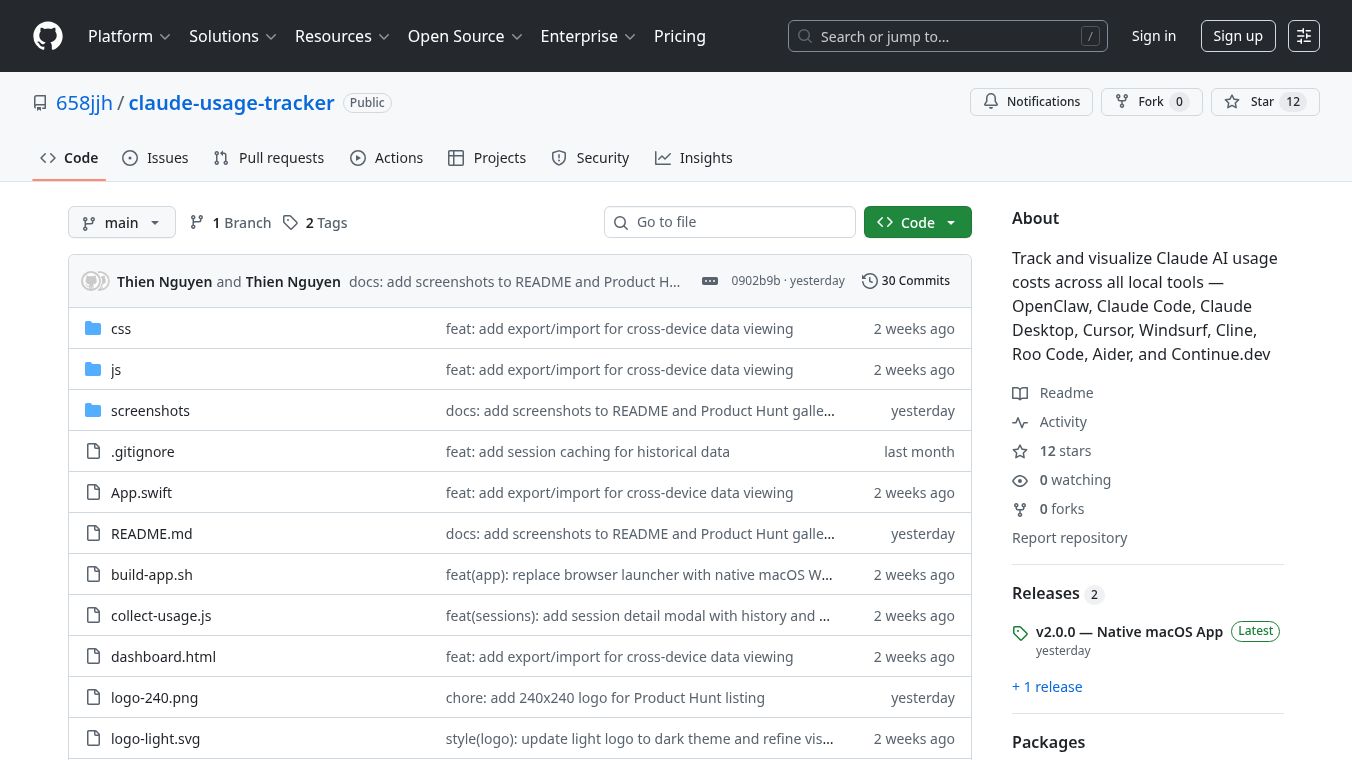





Claude Usage Tracker is a tool that helps you keep an eye on how much you are spending when using Claude AI. It works by automatically finding and adding up your Claude AI usage costs from more than nine different development tools. This tracker runs only on your computer, so your data stays private because it does not connect to the internet or send any information elsewhere.
Benefits
Claude Usage Tracker offers several advantages. It automatically finds and combines usage data from many different tools you might be using with Claude. You get a clear, easy-to-understand dashboard with charts that show your usage. It breaks down your costs by day, week, month, and total time, and also shows costs for each type of Claude model like Opus, Sonnet, and Haiku. You can see when you use Claude the most with helpful heatmaps and a detailed log of your daily sessions. It also lets you filter your usage by tool, model, date, and cost, and even gives you predictions for your monthly spending.
Use Cases
This tool is useful for developers and anyone who frequently uses Claude AI through various applications. It supports many popular tools such as OpenClaw, Claude Code CLI, Claude Desktop, Cursor, Windsurf, Cline, Roo Code, Aider, and Continue.dev. Whether you are tracking costs for personal projects or managing expenses for a team, Claude Usage Tracker provides the insights needed to understand and control your AI spending.
Pricing (ONLY include if available)
Costs are calculated based on Anthropic's pricing for different Claude models. The tracker accounts for the input and output costs of models like Opus, Sonnet, and Haiku, with specific rates provided for different versions of these models.
Vibes (ONLY include if available)
Contributions are welcomed, with ideas for improvement including adding support for more tools, making the interface even better, adding ways to export your data, setting up cost alerts, and supporting more operating systems.
Additional Information (ONLY include if available)
Users can get started by downloading the macOS app or building the tool from its source code. It can also be used in a browser on any operating system with Node.js and Python.
This content is either user submitted or generated using AI technology (including, but not limited to, Google Gemini API, Llama, Grok, and Mistral), based on automated research and analysis of public data sources from search engines like DuckDuckGo, Google Search, and SearXNG, and directly from the tool's own website and with minimal to no human editing/review. THEJO AI is not affiliated with or endorsed by the AI tools or services mentioned. This is provided for informational and reference purposes only, is not an endorsement or official advice, and may contain inaccuracies or biases. Please verify details with original sources.
Comments
Please log in to post a comment.