Claude Exporter: Save Claude Chat
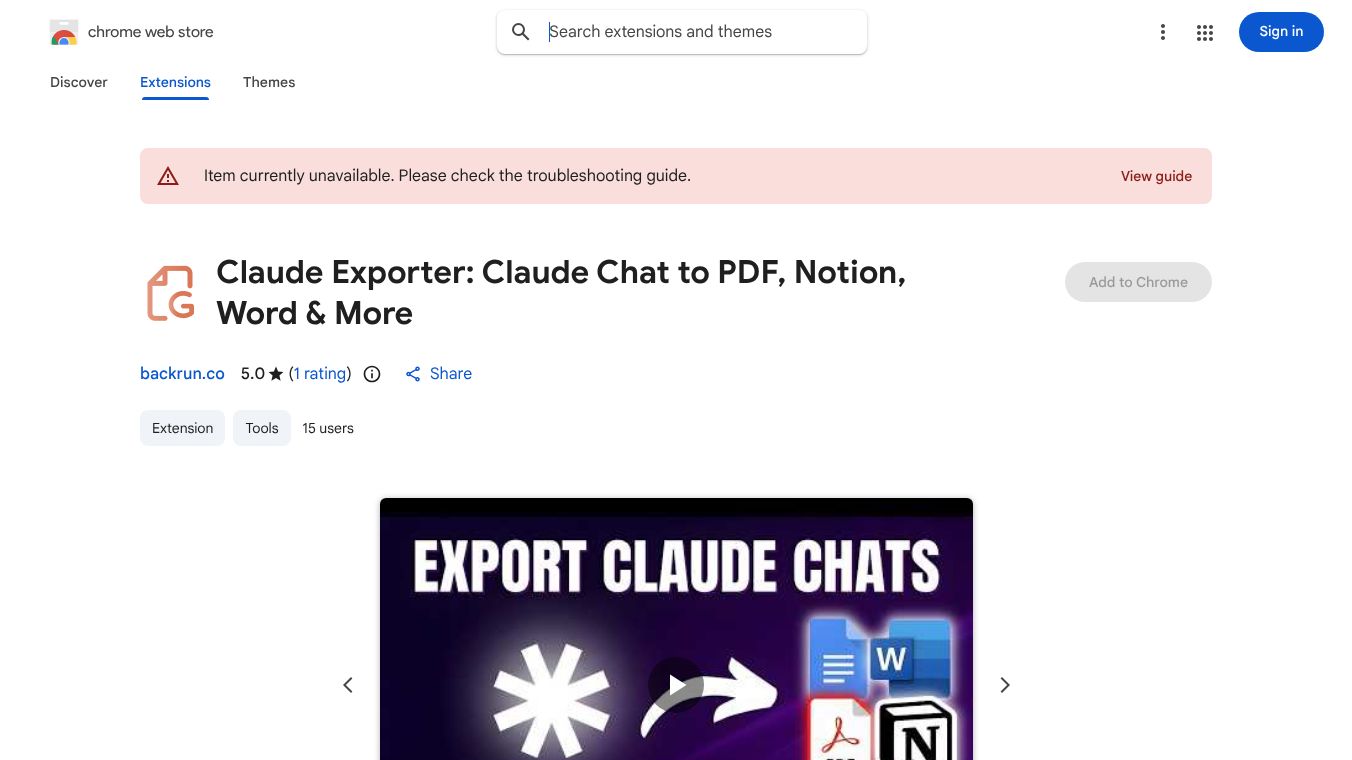





Claude Exporter is a Chrome extension that helps you save your conversations from Claude.ai. It allows you to export your chats in different file types like PDF, Word documents, Google Docs, and Notion.
Benefits
You can customize how your exported chat looks by choosing the font style, size, and color. You have the option to save just a few messages or your entire conversation. Claude Exporter can handle different kinds of content, including regular text, code with its formatting, tables, and detailed explanations.
It's very easy to use. You don't need an account, login, or any special keys. The process is simple: install the extension, go to a chat on Claude.ai, pick the messages you want, adjust the look, select the file type, and click export. All the work happens on your computer, so your chat data stays private and is not sent anywhere else.
Use Cases
This tool is great for developers and engineers who need to save code conversations for notes or to share with others. Writers and researchers can use it to edit chats in Word or Google Docs, or to add them to their knowledge bases in Notion. Students and academics can save chats for studying or later reference. Professionals can use it to share important information, and content creators can use it to reuse chat content in different ways.
Vibes
This is an independent tool, not connected to Anthropic or claude.ai.
This content is either user submitted or generated using AI technology (including, but not limited to, Google Gemini API, Llama, Grok, and Mistral), based on automated research and analysis of public data sources from search engines like DuckDuckGo, Google Search, and SearXNG, and directly from the tool's own website and with minimal to no human editing/review. THEJO AI is not affiliated with or endorsed by the AI tools or services mentioned. This is provided for informational and reference purposes only, is not an endorsement or official advice, and may contain inaccuracies or biases. Please verify details with original sources.


 No Info

Comments
Please log in to post a comment.