Claude Code Memory
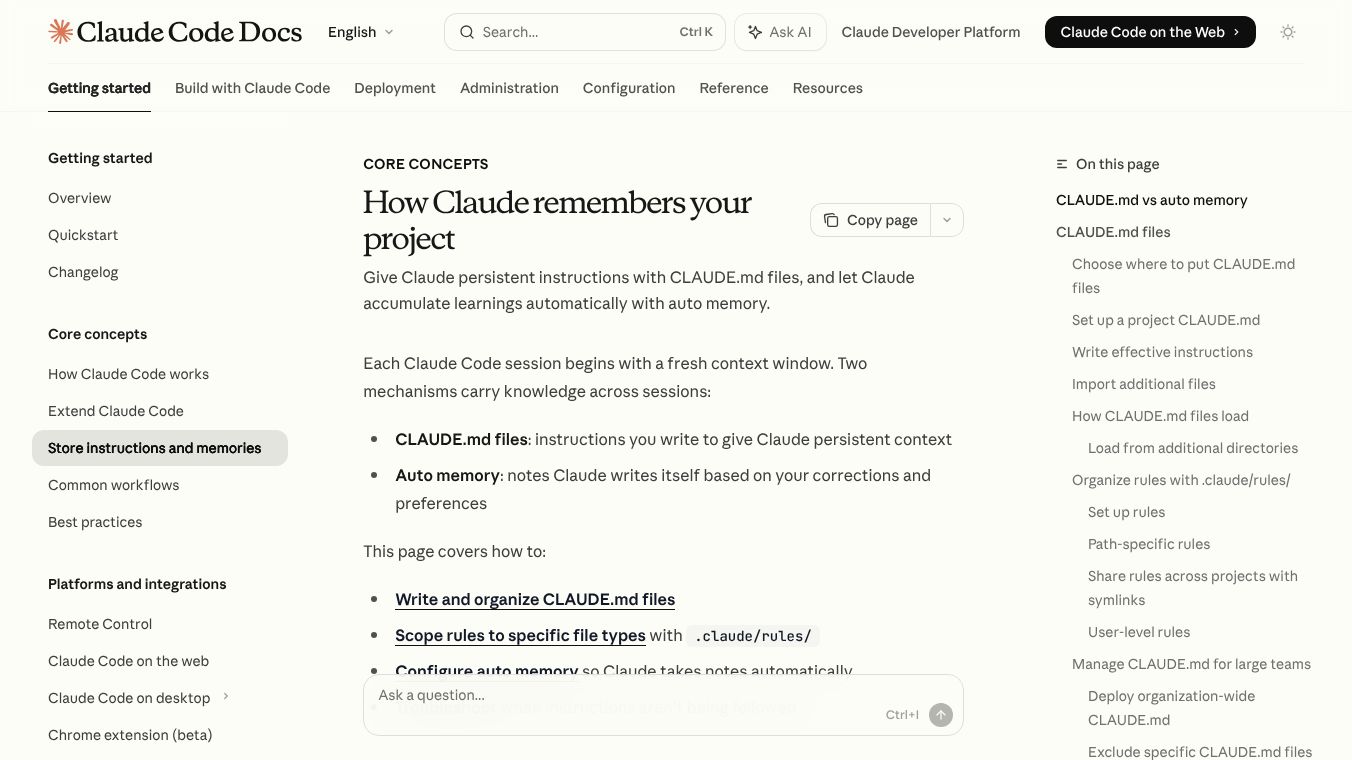





Claude Code Memory is a feature designed to help developers keep track of important information and instructions across different coding sessions. It uses two main methods: CLAUDE.md files and Auto memory. These tools act like a persistent memory for Claude, the AI coding assistant, ensuring it remembers project details, coding rules, and helpful insights.
Benefits
Claude Code Memory helps maintain consistency in coding projects by remembering specific instructions and project details. CLAUDE.md files allow you to set clear guidelines for coding standards, workflows, and project architecture. Auto memory lets Claude learn from your work, remembering useful commands, debugging tips, and your preferred ways of working. This saves time by reducing the need to repeat instructions or re-discover solutions.
Use Cases
CLAUDE.md files can be used to define organization-wide coding policies, project-specific rules shared among team members, or personal preferences. For example, you can specify indentation rules, preferred libraries, or common project structures. Auto memory is useful for remembering specific build commands for a project, insights gained during debugging sessions, or Claude's learned preferences about how you like your code formatted. These memories are specific to each project.
Vibes
Users can audit and edit the memory files directly. If Claude isn't following instructions, users can check the loaded CLAUDE.md files using the/memorycommand and ensure the instructions are clear and not contradictory. If Auto memory contains unwanted information, users can browse, edit, or delete the saved markdown files. Claude Code prompts for approval when it encounters external files for the first time, giving users control over what information is loaded.
Additional Information
Claude Code Memory supports modularity for large projects through the.claude/rules/directory, allowing specific rules for different parts of a project. Instructions can be organized into separate files and imported, with a limit on how deeply these imports can be nested. For large teams, organization-wide CLAUDE.md files can be deployed, and specific files can be excluded to avoid irrelevant instructions in large codebases. Auto memory is enabled by default but can be toggled on or off. It stores information locally on your machine and is not shared across different computers.
This content is either user submitted or generated using AI technology (including, but not limited to, Google Gemini API, Llama, Grok, and Mistral), based on automated research and analysis of public data sources from search engines like DuckDuckGo, Google Search, and SearXNG, and directly from the tool's own website and with minimal to no human editing/review. THEJO AI is not affiliated with or endorsed by the AI tools or services mentioned. This is provided for informational and reference purposes only, is not an endorsement or official advice, and may contain inaccuracies or biases. Please verify details with original sources.




Comments
Please log in to post a comment.