Claude Code Canvas
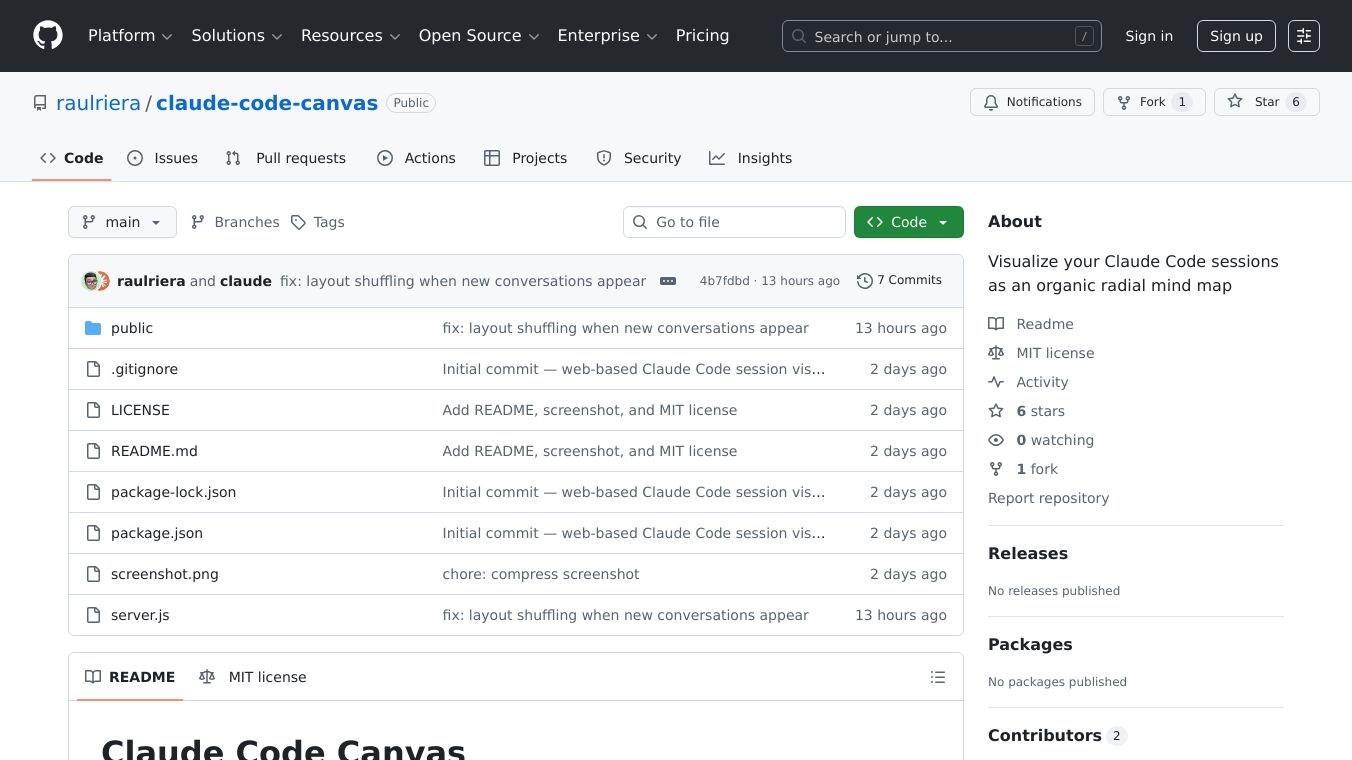





Claude Code Canvas is a local web application that helps you see your Claude Code sessions in a new way. It turns your coding sessions into a visual mind map that grows outward from a central point. Your sessions are organized by project and branch, making it easy to understand your workflow.
Benefits
Claude Code Canvas offers several advantages for developers. It visually represents your coding sessions, making it simpler to track your progress. The mind map has a unique organic look with flowing connections that change color based on the branch. It updates automatically every five seconds, so you always see the latest information without losing your current view. You can easily move around the map by panning, zooming, and dragging elements. If a project or branch gets too crowded, you can collapse it to focus on what's important. You can also quickly jump back into a session by clicking on its card, which will open your Terminal and resume it.
Use Cases
This application is useful for anyone using Claude Code. It's especially helpful for managing multiple projects and branches. Developers can use it to visualize their work, understand how different sessions relate to each other, and quickly resume past work. It also supports git worktrees, showing sessions within them. The session cards display a snippet of your prompt and the AI's last response, giving you context at a glance.
Pricing (ONLY include if available)
Information about pricing is not available in the provided text.
Vibes (ONLY include if available)
Information about public reception is not available in the provided text.
Additional Information (ONLY include if available)
To use Claude Code Canvas, you need to install it usingnpm installand then start it withnpm start. The application works by reading your session history from specific files on your computer. It then processes this data to create the radial mind map, which is displayed in your web browser using hardware acceleration for smooth graphics.
This content is either user submitted or generated using AI technology (including, but not limited to, Google Gemini API, Llama, Grok, and Mistral), based on automated research and analysis of public data sources from search engines like DuckDuckGo, Google Search, and SearXNG, and directly from the tool's own website and with minimal to no human editing/review. THEJO AI is not affiliated with or endorsed by the AI tools or services mentioned. This is provided for informational and reference purposes only, is not an endorsement or official advice, and may contain inaccuracies or biases. Please verify details with original sources.

 No Info
Comments
Please log in to post a comment.