Claude 2x Tracker
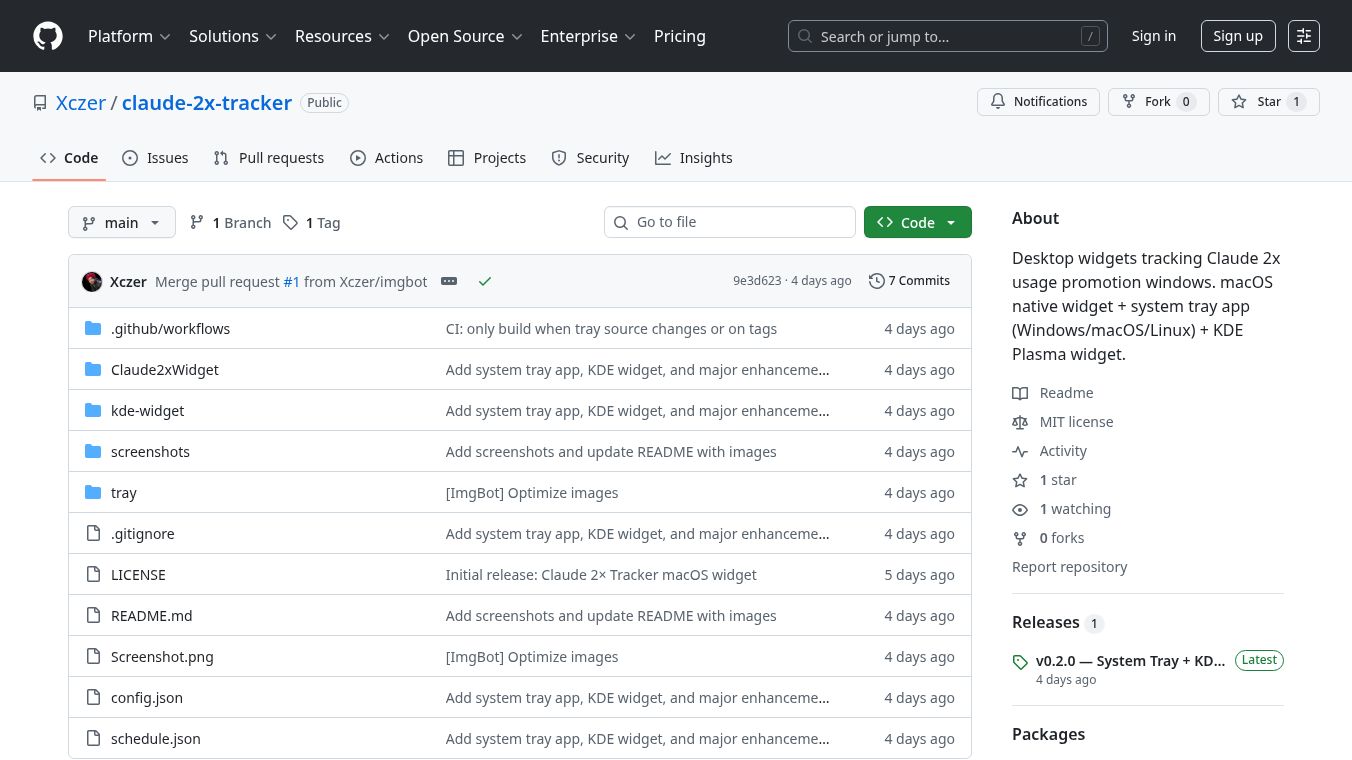





The Claude 2x Tracker is a desktop application designed to help users get the most out of their Claude Pro subscription. Claude Pro offers double the usage limits during certain off-peak hours, and this tracker makes it easy to know exactly when those times are. It removes the need to constantly check the clock or guess when you can use Claude more.
Benefits
This tracker provides real-time information about your "2x" usage limit status. It shows a clear visual schedule of peak and off-peak hours on a 24-hour bar. You can also see how much time is left until the usage limits change. For planning ahead, an 8-day calendar helps you schedule your heavy usage days. The application works locally on your computer, so it doesn't need an internet connection for its main job, and all times are automatically shown in your local timezone. It uses very little computer power and doesn't drain your battery.
Use Cases
The Claude 2x Tracker is useful for anyone who subscribes to Claude Pro and wants to use it as much as possible. The schedule is as follows: From Monday to Friday, "2x" limits are active during off-peak hours. During peak hours, from 8 AM to 2 PM Eastern Time, standard limits apply. On Saturdays and Sundays, standard limits apply all day. The tracker helps you plan your conversations, writing tasks, or any other heavy usage during the times when you get double the limits.
Vibes
This is an open-source project, meaning users can contribute and see how it works. It's designed to be a helpful tool for Claude Pro users to maximize their subscription value by taking advantage of the "2x" usage periods for more extensive use, larger contexts, and longer conversations.
Additional Information
The Claude 2x Tracker is available in different forms depending on your operating system. There's a macOS Widget that floats on your desktop, a System Tray App for Windows, macOS, and Linux that sits in your system tray or menu bar, and a KDE Plasma Widget for Linux users. The project is open-source under the MIT license. The schedule is updated automatically by fetching aschedule.jsonfile every six hours, so you don't need to update the app itself when Anthropic changes the schedule.
This content is either user submitted or generated using AI technology (including, but not limited to, Google Gemini API, Llama, Grok, and Mistral), based on automated research and analysis of public data sources from search engines like DuckDuckGo, Google Search, and SearXNG, and directly from the tool's own website and with minimal to no human editing/review. THEJO AI is not affiliated with or endorsed by the AI tools or services mentioned. This is provided for informational and reference purposes only, is not an endorsement or official advice, and may contain inaccuracies or biases. Please verify details with original sources.

 No Info
Comments
Please log in to post a comment.