BudgetPal – AI Budgeting
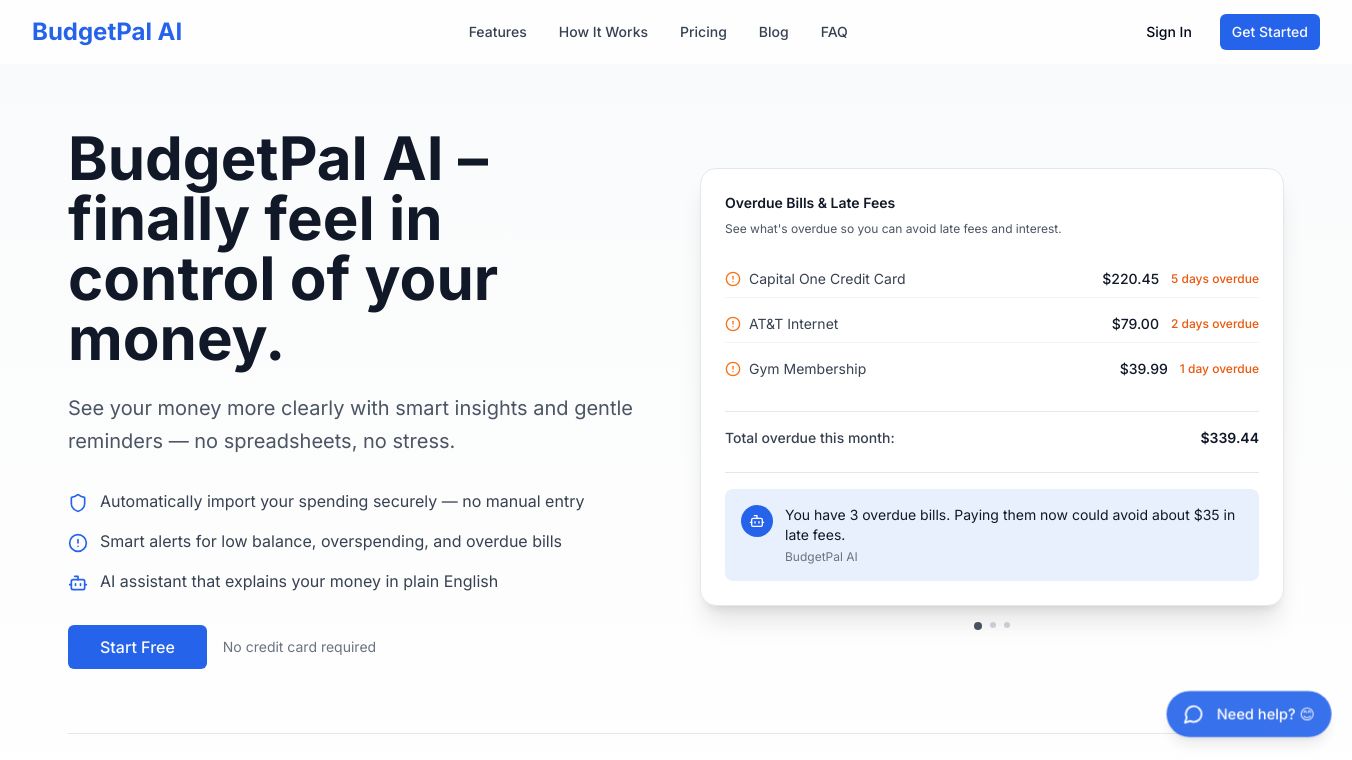





BudgetPal AI Budgeting is a tool designed to help people manage their money more effectively. It aims to make the process of budgeting simpler and more organized so individuals can achieve their financial goals.
Benefits
BudgetPal helps users gain better control over their finances. By understanding where money is spent, people can find opportunities to save more. It also supports setting up automatic savings, making it easier to build an emergency fund and work towards financial security.
Use Cases
This tool is useful for anyone looking to improve their financial habits. It can help individuals track their expenses, apply budgeting rules like the 50/30/20 guideline, and automate savings. BudgetPal is also beneficial for those wanting to build an emergency fund to cover unexpected costs.
Vibes
Budgeting is an essential practice for financial health. By implementing simple strategies, you can gain control over your finances and work towards your goals. Tracking every dollar is the first step to effective budgeting. Utilizing the 50/30/20 rule provides a straightforward starting point. Automating savings ensures money is set aside before it can be spent. Reviewing and adjusting your budget monthly keeps it flexible. Building an emergency fund helps cover unexpected expenses. Consistent, small actions can lead to significant financial achievements.
This content is either user submitted or generated using AI technology (including, but not limited to, Google Gemini API, Llama, Grok, and Mistral), based on automated research and analysis of public data sources from search engines like DuckDuckGo, Google Search, and SearXNG, and directly from the tool's own website and with minimal to no human editing/review. THEJO AI is not affiliated with or endorsed by the AI tools or services mentioned. This is provided for informational and reference purposes only, is not an endorsement or official advice, and may contain inaccuracies or biases. Please verify details with original sources.



Comments
Please log in to post a comment.