brow





Brow: The Everything App for Mac
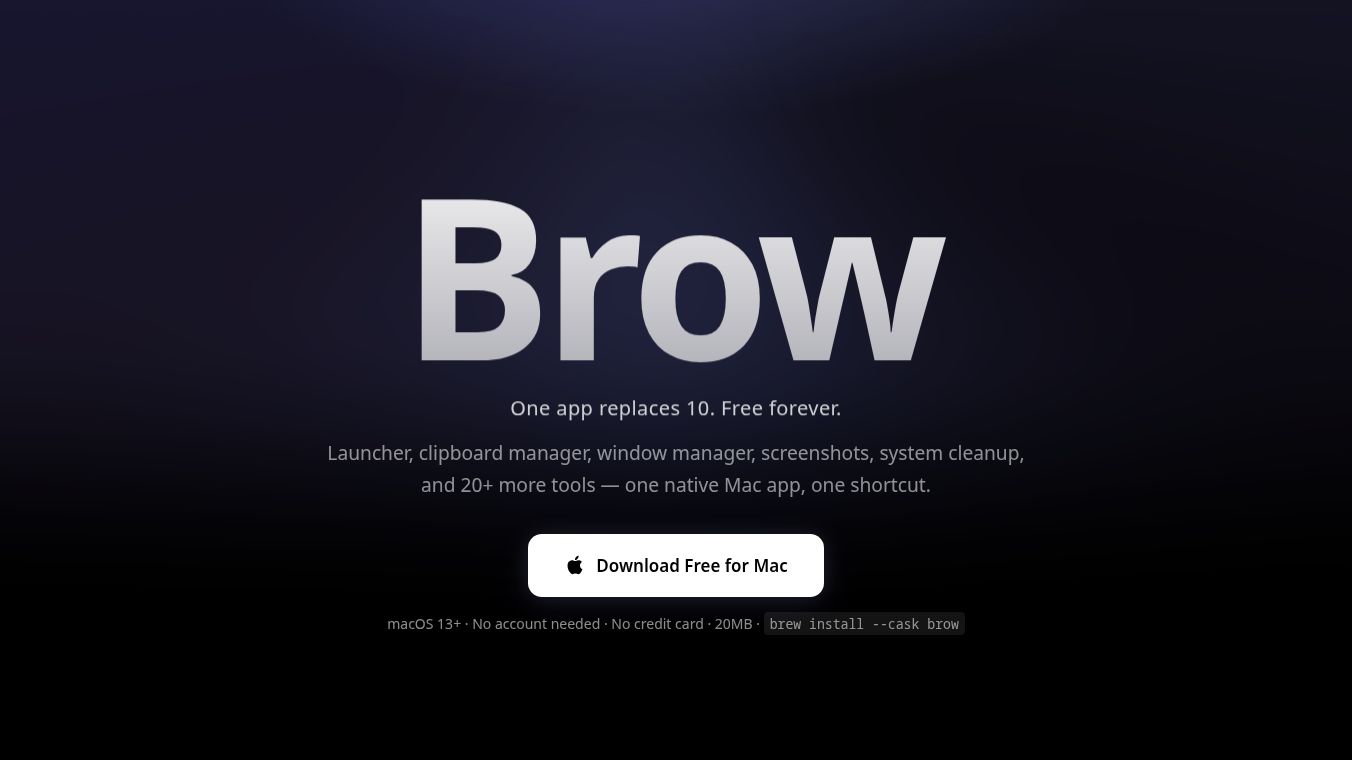
Brow is a powerful utility application designed to bring dozens of separate Mac tools together into one single, native Swift interface. Instead of paying for multiple specialized apps, Brow combines them into one free or low-cost solution. It aims to make the macOS experience smoother, boost productivity, and use fewer system resources. Unlike many modern Mac utilities that rely on the Electron framework, Brow is built with native Swift. This choice ensures the app launches in under 100 milliseconds and uses about 50MB of RAM, which is much less than the 500MB or more often needed by other alternatives. The app also prioritizes privacy by not requiring an account or tracking user data. All clipboard history, screenshots, and notes stay local on the user's machine. Users can access everything with a single universal shortcut: Option + Space.
Benefits
Brow offers several key advantages that improve how users interact with their Mac. First, it provides a universal launcher and search feature. Users can type the name of any application, such as Finder, Xcode, or Chrome, and launch it instantly. The search is fuzzy and tolerant of typos, so users can find apps even if they make minor spelling mistakes. Second, the app includes advanced clipboard management. Accessible via Option + V, it stores text, images, code, URLs, and files. Users can search history by content, filter by app source, or by type. It supports syntax highlighting for code and previews for images. Important items can be pinned to the top of the history so they do not get scrolled away. Third, Brow features a Notch Command Center. This uses the screen notch or top bar as a hidden hub for quick access to system utilities. Users can monitor real-time stats like CPU, memory, battery, disk usage, network status, and fan speed. It also allows users to take screenshots with instant Optical Character Recognition to extract text. A built-in focus timer blocks distracting apps until a set time is complete. Users can drag and drop files onto the notch for quick staging and view widgets for music, weather, and calendar events. Finally, the app includes window management tools to resize and arrange windows efficiently, process management to kill processes by port number, and various utilities like a unit converter, currency converter, calculator, emoji picker, GIF search, snippets manager, and PDF editor.
Use Cases
Brow is suitable for a wide range of tasks and user types. It is ideal for anyone looking to streamline their workflow by reducing the number of open applications. Students and professionals can use the universal launcher to quickly switch between apps without searching through folders. Developers will appreciate the code syntax highlighting in the clipboard manager and the ability to manage processes by port number. Writers and editors can benefit from the AI grammar fix feature, which corrects spelling, grammar, and punctuation instantly. The AI dictation feature is useful for users who prefer speaking to typing, transcribing speech at three times the speed of standard typing. The AI translation tool allows users to translate text into 19 languages directly within the app without needing a browser extension. The focus timer is perfect for students or workers who need to avoid distractions during study or work sessions. The Notch Command Center is useful for anyone who wants quick access to system stats or needs to take screenshots with OCR for documents. The file drop zone is helpful for users who want to quickly stage files before opening them in a specific application.
Pricing
Brow offers a free tier that includes over 40 tools. This free version is available forever and replaces the functionality of paid apps like Raycast Pro, Paste, Rectangle Pro, CleanShot X, iStat Menus, and PDF Expert. This could save users over $324 per year. For users who need advanced capabilities, Brow Pro is available for a monthly fee of $4.99 or an annual fee of $49. The Pro tier unlocks AI-powered features such as AI grammar fix, AI dictation, AI translation, AI agent, AI workflows, layout fix, and offline mode. These features replace the need for subscriptions to tools like Grammarly and Otter.ai, potentially saving users over $552 per year. No account creation or credit card is required to download or use the free version.
Vibes
Early adopters have praised the application for its intuitive design and high feature density. One user named Maks noted that the app has so many features that he sometimes discovers them purely by accident. He mentioned that it replaced a bunch of different apps all on its own. Another user, Dmytro T., said the launcher looks nicer than competitors and the screenshot editing is really convenient. He highlighted that the fan control feature is the one he uses most, noting that his Mac is finally cold. Julia S. shared that the app exceeded her expectations. She loved the idea of chatting with her Mac, where she writes what she wants and the app figures out how to execute the task.
Additional Information
Brow is available on macOS 13 and later. Users can install it via the Mac App Store or via Homebrew using the command brew install --cask brow. The app size is approximately 20MB. Brow continues to ship new tools weekly, ensuring that free users always have access to the latest non-AI updates.
This content is either user submitted or generated using AI technology (including, but not limited to, Google Gemini API, Llama, Grok, and Mistral), based on automated research and analysis of public data sources from search engines like DuckDuckGo, Google Search, and SearXNG, and directly from the tool's own website and with minimal to no human editing/review. THEJO AI is not affiliated with or endorsed by the AI tools or services mentioned. This is provided for informational and reference purposes only, is not an endorsement or official advice, and may contain inaccuracies or biases. Please verify details with original sources.




Comments
Please log in to post a comment.