BatchImageLocal - 100% Local Processing
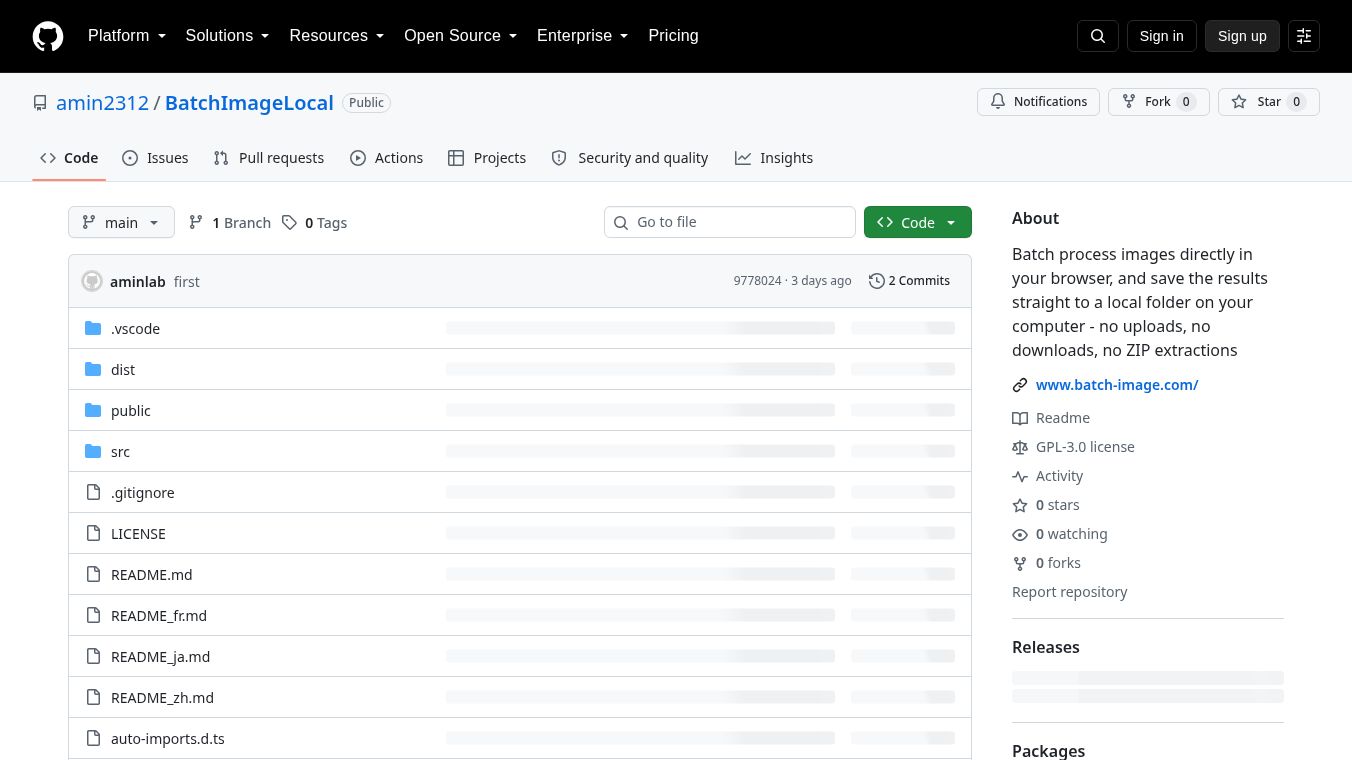





BatchImageLocal: A Private, Local Batch Image Processing Tool
Overview
BatchImageLocal is a free, open-source tool designed to process images directly within your web browser. Unlike traditional online image tools that require uploading files to a server, processing them remotely, and then downloading the results, BatchImageLocal performs all operations locally on your device. This ensures that your images never leave your computer, offering a secure, private, and efficient workflow.
Benefits
BatchImageLocal offers several key advantages for users who need to manage images:
Privacy and Security: All image processing happens locally using Web Workers. No data is uploaded to external servers, ensuring complete privacy and security for your files. Since processing is client-side, there is no risk of data leakage or unauthorized access.
Direct Local Saving: Results are written directly to a folder of your choice on your computer. Users do not need to download intermediate ZIP files and manually extract them. This feature is particularly beneficial for users handling large batches of images, as it eliminates the time-consuming steps of downloading and unzipping files.
True Batch Processing: The tool supports queuing and processing dozens or even hundreds of files simultaneously. It is designed to handle large volumes of images without performance degradation.
Cost-Effective: There are no accounts required, no watermarks, and no daily usage limits. The tool is entirely free to use.
Use Cases
BatchImageLocal is ideal for professionals and creators who need to manage large volumes of images efficiently. Some common use cases include:
- Shopify Sellers: Quickly resize and optimize product images for your online store.
- Marketplace Listing Managers: Prepare images for platforms like eBay, Amazon, and Etsy with built-in presets for each site.
- Pinterest Creators: Optimize images for better visibility and performance on Pinterest.
- Website Asset Managers: Convert and compress images to improve website loading speeds.
- Social Media Content Creators: Resize and format images for various social media platforms like Instagram, Facebook, TikTok Shop, and Walmart.
Supported Operations
BatchImageLocal supports a wide range of image operations:
Image Conversion: Convert between various image formats, including PNG to JPG, PNG to WebP, WebP to PNG, WebP to JPG, JPG to WebP, JPG to PNG, HEIC to PNG, HEIC to JPG, and HEIC to WebP. HEIC decoding is handled by the bundled libheif library, which runs entirely on the client side.
Image Resizing: Resize images by specific width/height, percentage, or scale factor. The tool includes ready-to-use presets for major marketplaces and platforms such as Amazon, eBay, Etsy, Shopify, Instagram, Facebook, Pinterest, TikTok Shop, and Walmart. Supported formats for resizing include PNG, JPG, and WebP.
Image Compression: Compress JPG and WebP images with customizable quality settings. The tool allows users to view file-size savings before saving the compressed images.
Getting Started
Users can access the tool directly through the official website provided on the GitHub repository page. For developers or those who prefer to build the tool themselves, the project is open-source and available on GitHub. Follow these steps to build it:
- Install Dependencies: Run
npm installin your terminal. - Start Development Server: Run
npm run devto start the application locally. The server will start athttp://localhost:5175. - Production Build: Run
npm run buildto generate a production-ready version with all static pages and a sitemap. - Preview Production Build: Run
npm run previewto test the production build locally.
Conclusion
BatchImageLocal provides a robust, privacy-focused solution for batch image processing. By eliminating the need for server uploads and downloads, it offers a faster, more secure, and user-friendly experience for converting, resizing, and compressing images in bulk. Whether you are a professional seller or a casual user, this tool streamlines your image management workflow without compromising on quality or privacy.
This content is either user submitted or generated using AI technology (including, but not limited to, Google Gemini API, Llama, Grok, and Mistral), based on automated research and analysis of public data sources from search engines like DuckDuckGo, Google Search, and SearXNG, and directly from the tool's own website and with minimal to no human editing/review. THEJO AI is not affiliated with or endorsed by the AI tools or services mentioned. This is provided for informational and reference purposes only, is not an endorsement or official advice, and may contain inaccuracies or biases. Please verify details with original sources.




 No Info
Comments
Please log in to post a comment.