Background Remover Video





What is Background Remover Video?
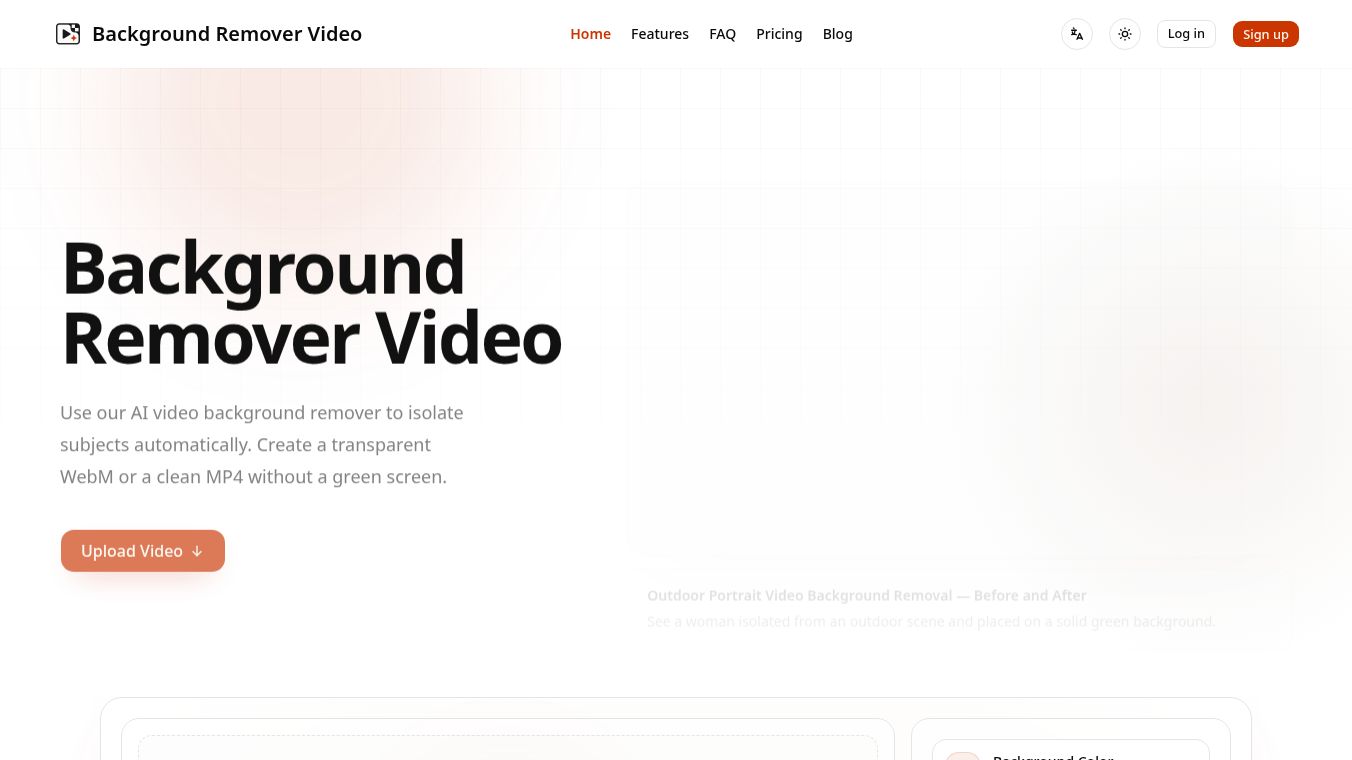
Background Remover Video, also known as BGRemover, is an online tool that uses artificial intelligence to take backgrounds out of video clips. It works like a digital magic trick, allowing users to make video backgrounds transparent with just one click. This tool removes the need for expensive green screen setups or complex editing software. It runs directly in a web browser, so users do not need to install any programs on their computers. The service supports many file types, including MP4, MOV, and JPG, making it easy to work with footage from different sources.
Benefits
The main advantage of this tool is its speed and accuracy. The AI technology inside the system can detect edges, hair, and clothing details with pixel-perfect precision. This means the final video looks professional and clean without any jagged lines or leftover background pixels. Users can process a single video or upload many files at once for batch processing. The interface is simple and intuitive, allowing people with no editing experience to create high-quality content. It also offers a real-time preview, so users can see the changes happening instantly. The output files are optimized to be smaller in size, which helps with faster sharing online.
Use Cases
This tool is useful for many different types of creators and businesses. Ecommerce sellers can use it to put their product videos on custom backgrounds that match their brand. Content creators on platforms like YouTube, TikTok, and Instagram can make their videos look more professional without hiring a studio. Teachers and educators can create engaging lessons with clean backgrounds that help students focus on the content. Marketing teams can quickly produce promotional ads and social media posts. The tool also supports creating animated GIFs with transparent backgrounds, which is great for messaging apps and social media stories. It works on both desktop computers and mobile devices, making it accessible for remote work and on-the-go editing.
Pricing
BGRemover offers several pricing plans to fit different needs. The Starter plan costs $4.99 and is good for quick, one-off projects. The Creator plan is priced at $24.99 and is designed for content creators and small teams who need more features. The Pro plan costs $89.99 and is built for agencies and users with high-volume projects. There is also a custom option where users can buy credit packages, such as 50 credits for $5.00. All of these plans come with a free trial so users can test the service before committing.
Vibes
Users have shared positive feedback about their experience with the tool. Sarah Johnson, a content creator, said the tool is incredible and saves her hours of editing time. Michael Chen, a marketing director, noted that his team increased their video production by 300% since using the service. Emma Rodriguez, a social media manager, loved how easy it was to add custom backgrounds that matched her brand. David Park, an educator, mentioned that the clean backgrounds help his students focus on the lesson. Lisa Thompson, a freelance video editor, called it the best tool she has tried, praising its precision with complex details like hair.
Additional Information
BGRemover has established itself as a reliable alternative to other services that have stopped operating in the past. It positions itself as a stable and feature-rich option for modern video production. The tool handles files up to 200MB in size and can process videos up to five minutes long in the standard workflow. Processing usually takes a maximum of five minutes per video. The system is compatible with various input and output formats, ensuring users can work with their existing footage without conversion issues.
This content is either user submitted or generated using AI technology (including, but not limited to, Google Gemini API, Llama, Grok, and Mistral), based on automated research and analysis of public data sources from search engines like DuckDuckGo, Google Search, and SearXNG, and directly from the tool's own website and with minimal to no human editing/review. THEJO AI is not affiliated with or endorsed by the AI tools or services mentioned. This is provided for informational and reference purposes only, is not an endorsement or official advice, and may contain inaccuracies or biases. Please verify details with original sources.




 No Info
Comments
Please log in to post a comment.