AudioScripter
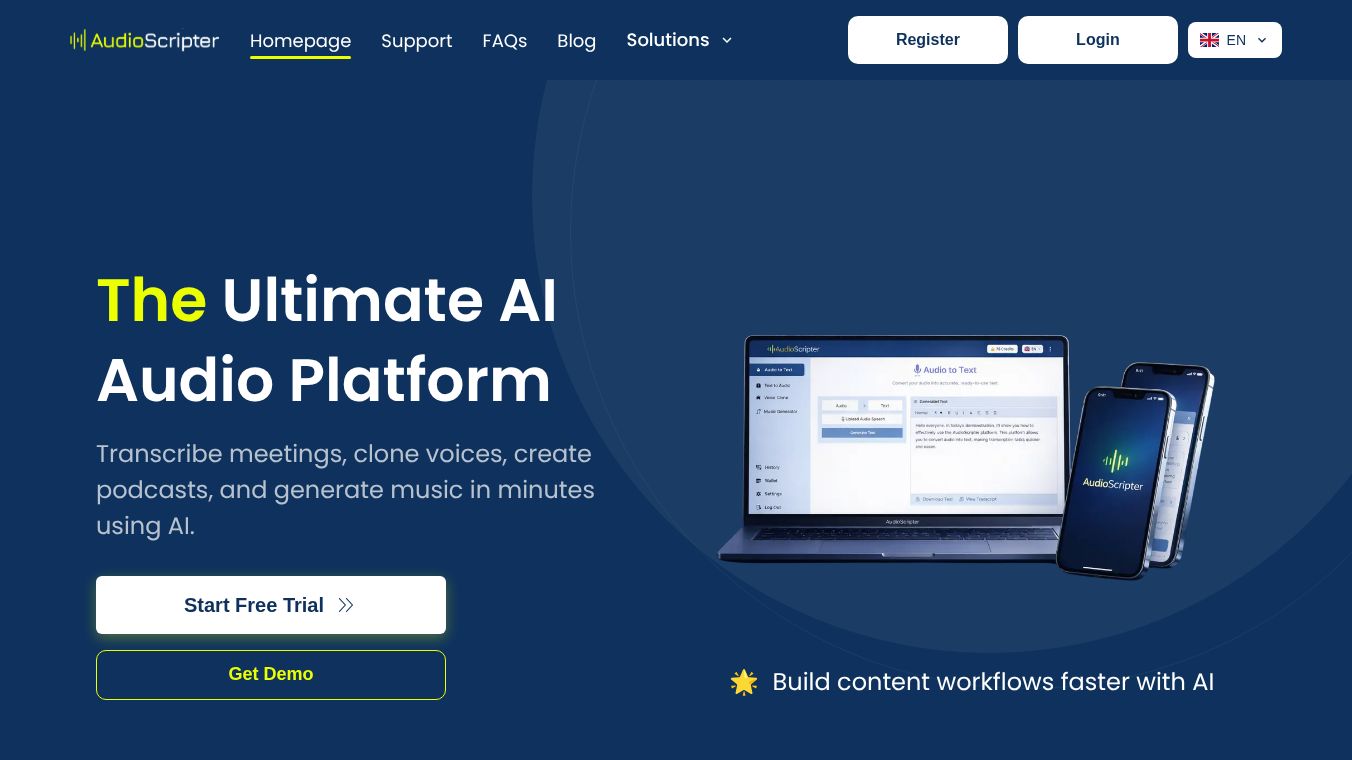





AudioScripter is an application that turns audio and video recordings into text. It helps users create readable and shareable written versions of their audio and video content. The app uses artificial intelligence to automatically transcribe spoken words into text, making it easier to work with recordings.
Benefits
AudioScripter saves users a lot of time by quickly creating accurate transcripts and subtitles. It can generate captions and subtitles that include timestamps, which are helpful for videos. Users can also edit the text directly within the app, correcting any mistakes, adding punctuation, and even searching for specific words. The tool supports exporting the text in many common formats like TXT, DOCX, PDF, SRT, and VTT. It can also translate transcripts into different languages and identify different speakers, labeling their parts in the text when possible.
Use Cases
This application is useful for many people. It can be used for transcribing meetings, interviews, and lectures. Content creators can use it for podcasts, YouTube videos, including shorts and reels, and webinars. Researchers can use it for their work, and anyone who takes voice notes can benefit from it. The process is simple: users import their audio or video file, make any necessary edits to speaker names, timestamps, or formatting, and then export or share the final text.
Vibes
AudioScripter is described as an ultimate audio-to-text converter. Users find it to be a professional and easy-to-use tool that helps with creating scripts from audio and making content efficiently. It is noted for its high performance and smooth user experience.
Additional Information
The developer, Anil Kumar, has stated that the app respects user privacy. It only accesses files that users choose to import for transcription. Media access is strictly for creating transcripts and captions, and users can manage permissions. The app collects some personal information and other data types, but it ensures data is encrypted during transfer and does not share it with third parties. Users also have the option to request the deletion of their data. The app was last updated on September 15, 2025.
This content is either user submitted or generated using AI technology (including, but not limited to, Google Gemini API, Llama, Grok, and Mistral), based on automated research and analysis of public data sources from search engines like DuckDuckGo, Google Search, and SearXNG, and directly from the tool's own website and with minimal to no human editing/review. THEJO AI is not affiliated with or endorsed by the AI tools or services mentioned. This is provided for informational and reference purposes only, is not an endorsement or official advice, and may contain inaccuracies or biases. Please verify details with original sources.


 No Info
 Free
Free
Comments
Please log in to post a comment.