Ask Claudia
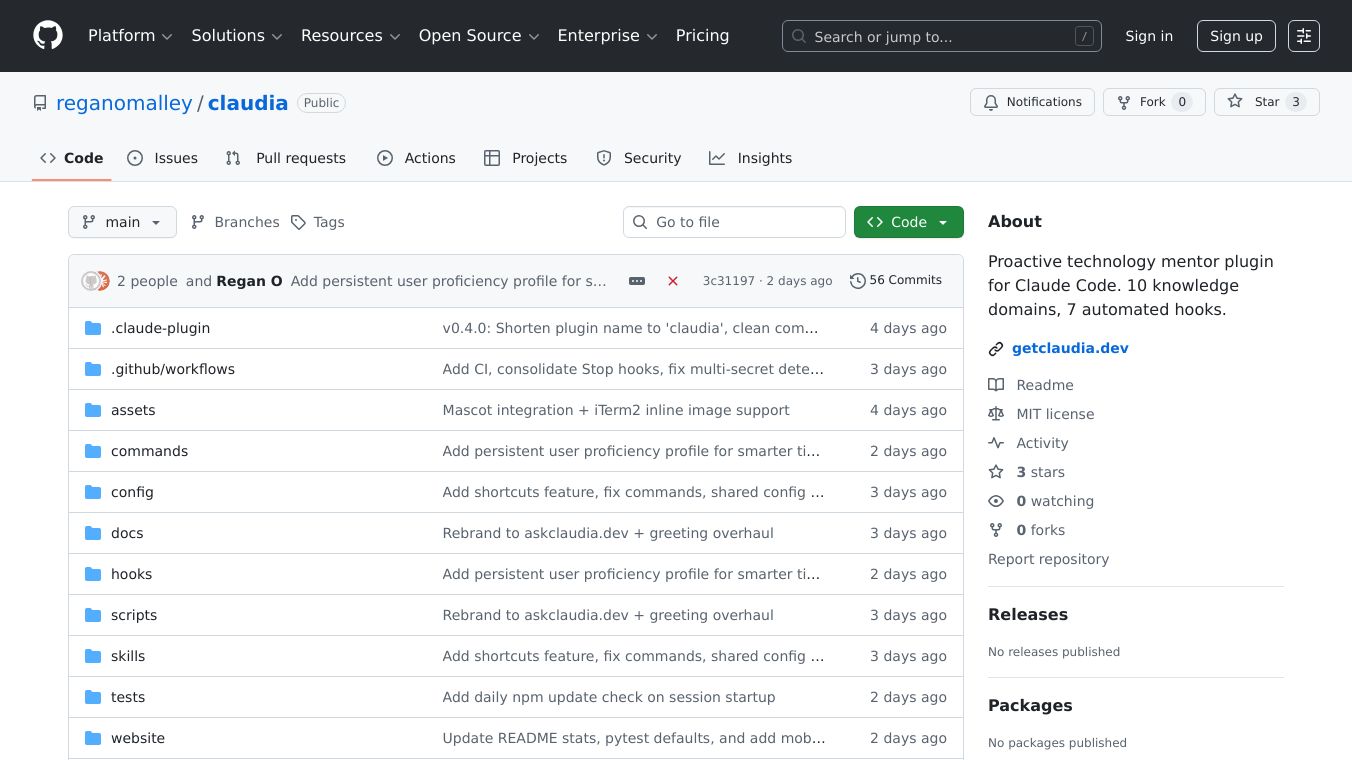





Ask Claudia is a smart helper plugin for Claude Code. It acts like a technology mentor, guiding users through tough decisions about technology, keeping things secure, spotting common coding mistakes, and helping users write better instructions for Claude.
Benefits
Claudia helps you make better technology choices by suggesting databases, frameworks, and other tools, explaining the pros and cons of each. It also keeps your code safe by looking for hidden secrets before you share your work and offering advice on how to manage sensitive information. The plugin can spot common errors in your code, how you set up Docker, manage your software packages, make your website accessible, and use Git. It also helps you write clearer instructions for Claude, leading to better results. Claudia can even look at your project files to give you advice that fits your specific needs. The/claudia:healthcommand checks your project for problems with security, testing, software packages, and overall design.
Use Cases
Claudia can be used in many ways. You can ask it questions directly using commands like/claudia:askor/claudia:review. It can also help automatically when you talk about choosing technology, designing your project, or if you write instructions that aren't very clear or might create security risks. Claudia checks your code every time you save a file. It can stop you from accidentally including secrets like passwords or API keys. It warns you about bad coding habits, checks your software packages for problems, and makes sure your Docker setup is good. It also helps with Git practices, website accessibility, checking software licenses, and avoiding CSS mistakes. Claudia also watches your conversations to teach you about technology, give you quick tips, help you when you're stuck, suggest how to run your code, and celebrate your successes.
Vibes
Claudia offers a simplified experience for beginners. This mode includes a friendlier greeting, helps you when you seem stuck, suggests ways to run your code, and slowly introduces its features. You can turn on this beginner mode by changing a setting in your configuration file.
Additional Information
Claudia covers 10 areas of knowledge: Databases, Security, Infrastructure, Frontend development, API Design, Testing, Performance, DevOps, Data Modeling, and Prompt Coaching. You can adjust how much Claudia helps you, its personality, and turn off certain features. You can set it to only respond when asked or to actively point out any mistakes it finds. People can also contribute to Claudia by adding information or suggesting improvements. Security is very important, and any contributions are carefully reviewed.
This content is either user submitted or generated using AI technology (including, but not limited to, Google Gemini API, Llama, Grok, and Mistral), based on automated research and analysis of public data sources from search engines like DuckDuckGo, Google Search, and SearXNG, and directly from the tool's own website and with minimal to no human editing/review. THEJO AI is not affiliated with or endorsed by the AI tools or services mentioned. This is provided for informational and reference purposes only, is not an endorsement or official advice, and may contain inaccuracies or biases. Please verify details with original sources.

 No Info
Comments
Please log in to post a comment.