AImageResize
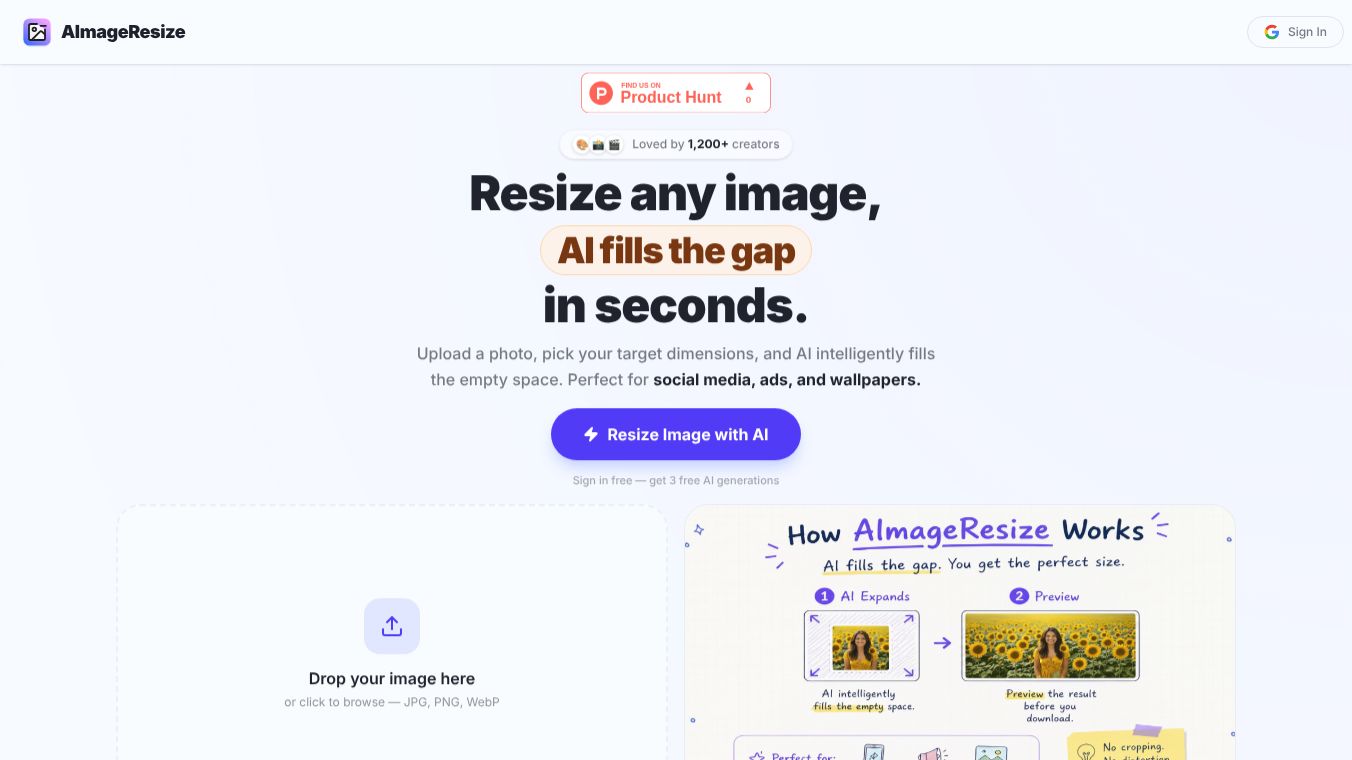





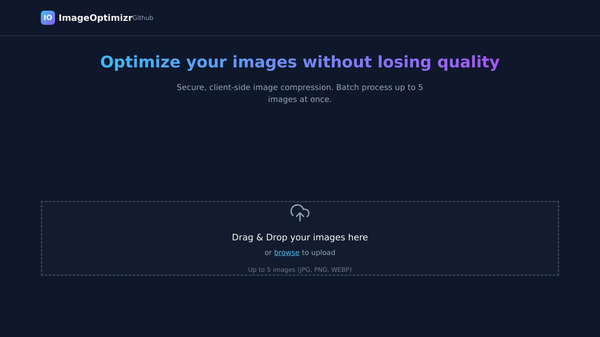
AImageResize is a free online tool designed to help users change the size of their images quickly without needing any special software. It allows people to resize photos, convert them to different formats, and adjust their dimensions directly from a web browser. This service is built to be simple and fast, making it easy for anyone to manage their image files on the go.
Benefits
The main advantage of AImageResize is that it works entirely in the cloud. This means users do not have to download or install any programs on their computers or phones. The tool supports many popular image formats including JPEG, PNG, GIF, and BMP. It also lets users resize images to specific pixel dimensions or use preset sizes like A4, A3, or social media dimensions. One of the strongest features is that the service is completely free and does not require users to create an account or sign up for anything. Another benefit is that the process is very fast, allowing users to handle multiple files at once.
Use Cases
This tool is perfect for people who need to prepare images for the web or social media platforms. For example, a blogger might upload a large photo to a website and then use the tool to shrink it so the page loads faster. A social media manager can easily convert a high-resolution image into a square format for Instagram or a vertical format for TikTok. Graphic designers can use it to quickly adjust file sizes before sending work to a client. It is also useful for students who need to resize photos for school projects or for anyone who wants to organize their digital files by changing their dimensions.
Pricing
AImageResize is completely free to use. There are no hidden fees, subscription costs, or payment methods required. Users can access all features without any financial commitment.
Vibes
While there are no specific customer reviews or testimonials available in the provided information, the product is designed with user convenience in mind. The lack of registration requirements and the support for multiple file formats suggest a user-friendly experience aimed at saving time for everyday tasks.
Additional Information
The tool operates as a standalone online service without requiring additional partnerships or funding details that are currently public. Its primary focus remains on providing an accessible way to manage image sizes for a broad audience.
This content is either user submitted or generated using AI technology (including, but not limited to, Google Gemini API, Llama, Grok, and Mistral), based on automated research and analysis of public data sources from search engines like DuckDuckGo, Google Search, and SearXNG, and directly from the tool's own website and with minimal to no human editing/review. THEJO AI is not affiliated with or endorsed by the AI tools or services mentioned. This is provided for informational and reference purposes only, is not an endorsement or official advice, and may contain inaccuracies or biases. Please verify details with original sources.
Comments
Please log in to post a comment.