AI Tools Explorer for Chrome
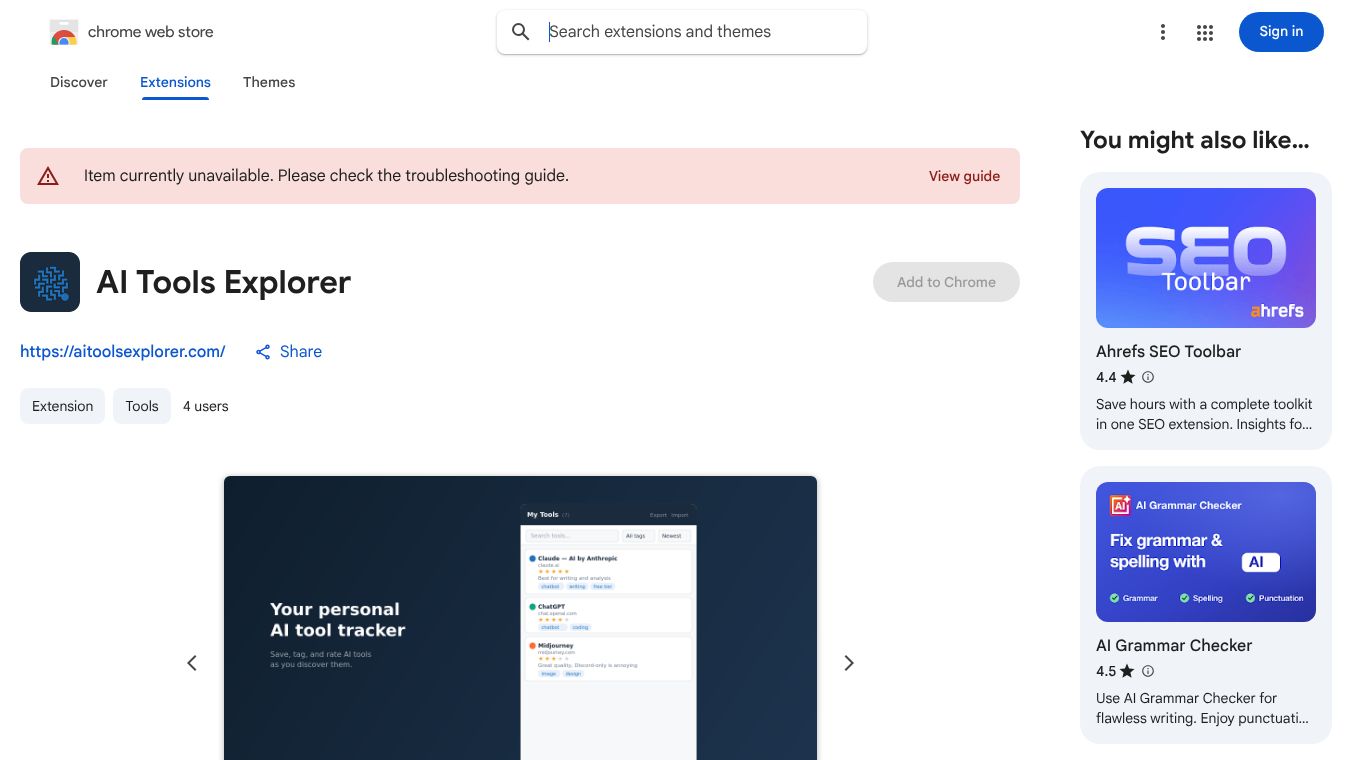





AI Tools Explorer for Chrome: Your Private Browser-Based AI Tool Library
Research context and background
AI Tools Explorer for Chrome is a privacy-focused browser extension designed to help users manage, organize, and evaluate AI tools directly within their browser. It serves as a personal library where users can save, rate, tag, and search AI tools they discover online, ensuring nothing is lost and no data is sent to external servers.
Benefits
This tool solves common problems like forgetting to return to promising AI websites or losing track of bookmarks cluttered with unrelated links. Key advantages include:-Instant Saving: Users can right-click on any webpage and select "Save this AI tool" to immediately add it to their collection. The URL and page title are automatically pre-filled, allowing users to save in seconds or take additional time to add custom details.-Easy Evaluation: Users can assign a star rating from 1 to 5 to evaluate the tool's quality or utility. They can also add immediate impressions or notes while the experience is fresh. Ratings and notes can be edited anytime as the user's experience with the tool deepens.-Smart Organization: Users can create custom tags as they go to categorize tools. The system suggests tags based on existing ones to maintain consistency. Users can filter the collection by tag, sort by date, rating, or title to find relevant tools quickly.-Powerful Search: A single search box allows users to search across titles, URLs, notes, and tags. This helps users find any saved tool within the collection instantly.-Data Portability: Users can export the entire collection as a JSON file with one click. They can import the file on another machine or restore from a backup, ensuring data is always portable and owned by the user.-Privacy First: All data is stored locally using Chrome's built-in storage API. Nothing is transmitted to any server. There is no analytics, no tracking, and no backend infrastructure.
Use Cases
This tool is ideal for several groups of people:-Developers: They can use it to evaluate AI coding assistants, APIs, and development tools.-Marketers: They can compare AI writing tools, SEO assistants, and ad generators.-Entrepreneurs: They can scout AI tools for automation and operational efficiency.-Researchers: They can track AI models, datasets, benchmarks, and research tools.-General Users: Anyone who tries more AI tools than they can effectively keep track of will find this helpful.
Users can also cross-reference tools by right-clicking any page and selecting "Check on AI Tools Explorer" to search if a specific tool is listed on the main directory. They can use the "Surprise me" feature in the toolbar to discover a random AI tool from the directory.
Pricing
The article does not provide specific pricing details for this extension.
Vibes
The article does not include specific reviews, testimonials, or public reception data.
Additional Information
The extension is available under the MIT License. It can be installed via the Chrome Web Store. The only external pages the extension opens are aitoolsexplorer.com and standard Google search, both initiated explicitly by the user.
This content is either user submitted or generated using AI technology (including, but not limited to, Google Gemini API, Llama, Grok, and Mistral), based on automated research and analysis of public data sources from search engines like DuckDuckGo, Google Search, and SearXNG, and directly from the tool's own website and with minimal to no human editing/review. THEJO AI is not affiliated with or endorsed by the AI tools or services mentioned. This is provided for informational and reference purposes only, is not an endorsement or official advice, and may contain inaccuracies or biases. Please verify details with original sources.





Comments
Please log in to post a comment.