AI Station Navigator
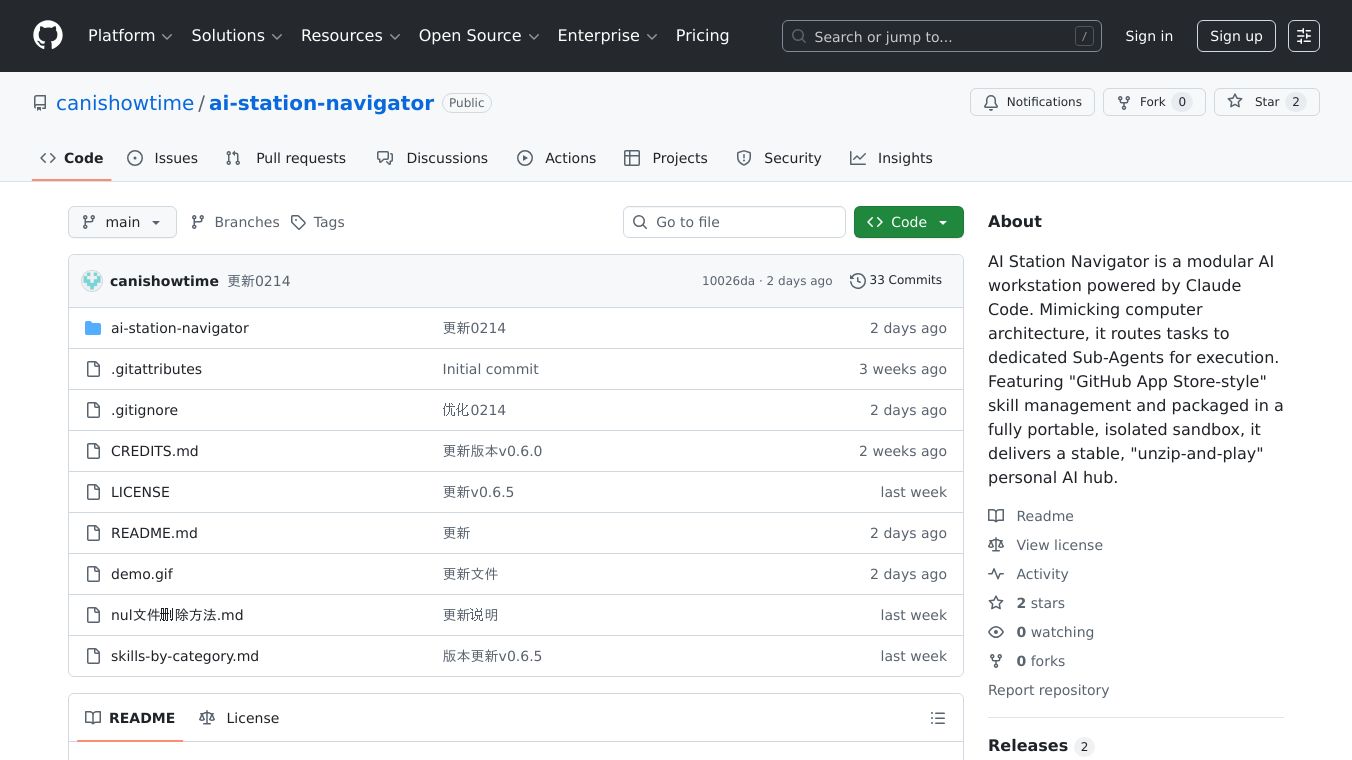





AI Station Navigator is a unique AI workstation designed to work like a computer. It uses a system called the Claude Code engine to manage complex AI tasks. Instead of handling everything itself, it sends these tasks to smaller, specialized programs called "Sub-Agents." Each Sub-Agent is good at a specific job and has the right tools, or "skills," to get it done. Think of it like having different apps on your computer, but for AI.
Benefits
AI Station Navigator makes it easy to add new AI capabilities. It has an "App Store-style" system where you can install new skills with just one click, directly from GitHub. This means you can quickly get new tools without complicated setup. Everything runs in a safe, separate space called a sandbox. This sandbox keeps the AI system from messing with your computer's main settings, making it a stable and reliable personal AI hub that you can just "unzip and play."
Use Cases
This system is built with computer organization in mind. The main AI language model acts like the computer's brain (CPU). The Claude Code engine is like the operating system's core (System Kernel), handling instructions and managing tasks. The Sub-Agents are like individual programs (System Processes) that run specific jobs without interfering with each other. The skills are like applications you can install, and they are hosted on GitHub. The whole system runs in a portable environment that includes necessary tools like Python and Git, making it easy to get started and use.
Vibes
Users can easily start the system by running a simple script. Adding new skills is as easy as clicking a button if the skill is available on GitHub. The system keeps different tasks separate, which helps avoid confusion. It provides an interactive chat terminal for managing everything. You can even create simple workflows by linking different skills together. The system also allows for extensions and automation, and it runs safely in a sandbox. A security tool is included to check the safety of new skills before you install them.
Additional Information
The project includes important notes for users. It mentions that AI can sometimes produce unexpected code or commands, so users should always check them before allowing any changes to their files. The author is not responsible for any data loss or damage to the system. The project was created by Mazilin.
This content is either user submitted or generated using AI technology (including, but not limited to, Google Gemini API, Llama, Grok, and Mistral), based on automated research and analysis of public data sources from search engines like DuckDuckGo, Google Search, and SearXNG, and directly from the tool's own website and with minimal to no human editing/review. THEJO AI is not affiliated with or endorsed by the AI tools or services mentioned. This is provided for informational and reference purposes only, is not an endorsement or official advice, and may contain inaccuracies or biases. Please verify details with original sources.
Comments
Please log in to post a comment.