ai-initializer
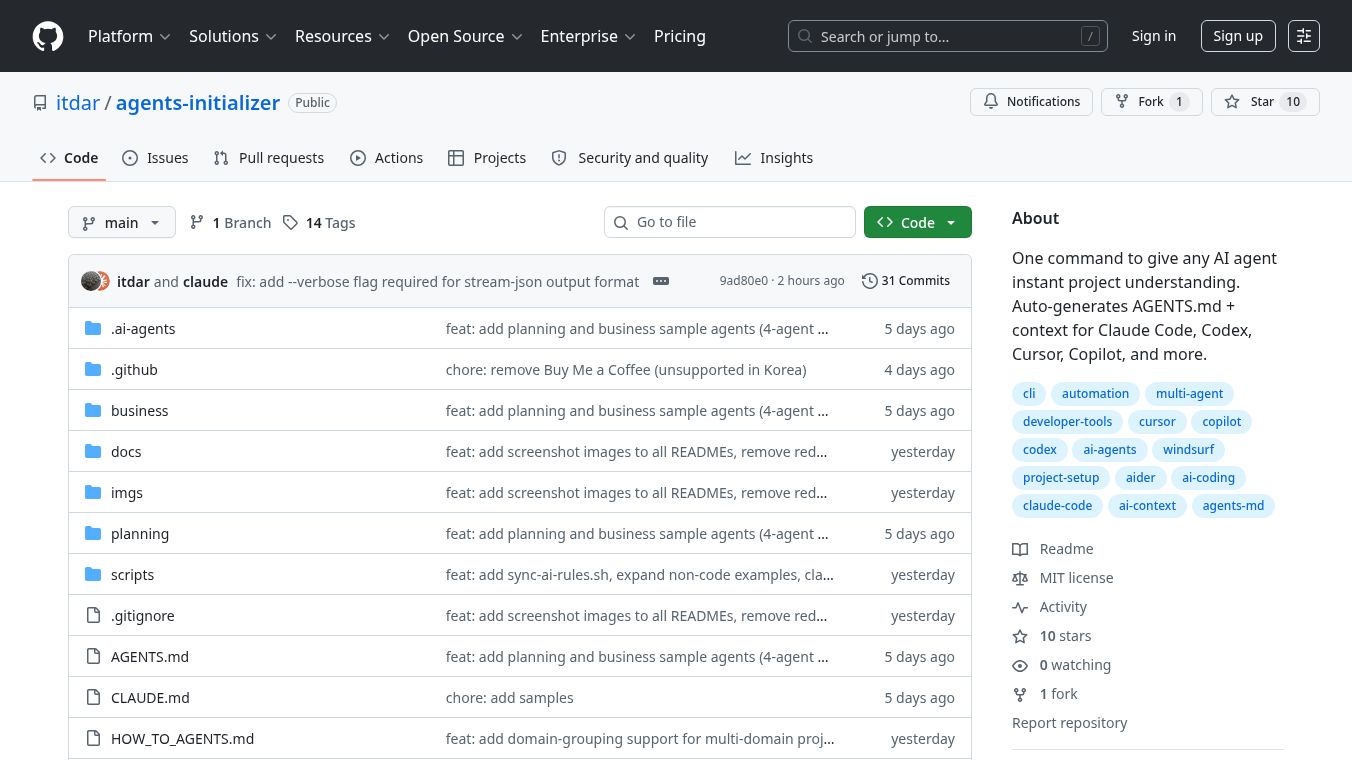





Theai-initializerproject offers a quick way to help AI agents understand your projects right away. It works by scanning your project files, creating a specialAGENTS.mdfile, and setting up knowledge and role information. This allows any AI tool to start working effectively from the beginning of each session. This is important because AI agents often forget what they learned between sessions. This forgetting can cause problems like inconsistent coding, wasted time analyzing the code again, making mistakes, and suggesting things that don't fit your business goals.
Benefits
ai-initializerhelps AI agents remember project details, leading to more consistent work, less wasted time, and better alignment with your project's objectives. It organizes information into three layers: identity and rules inAGENTS.md, essential knowledge in.ai-agents/context/, and standard procedures in.ai-agents/skills/. This structure acts like a clear guide for the AI, similar to how a team has an organizational chart, onboarding documents, and an operations manual.
Use Cases
This tool is useful for developers and teams working with AI agents on software projects. It can be used for various tasks, including feature development, code deployment, and maintaining consistent coding standards. The tool automatically detects different parts of a project, like frontend or backend code, and generates specific information such as API details and project overviews. It also helps optimize the amount of information the AI needs to process, saving time and resources. The system is designed to maintain the AI's understanding across different work sessions, ensuring continuity.
Vibes
Theai-initializerproject aims to make AI agents understand projects instantly, reducing the time needed for setup and ensuring they follow established rules and conventions. It provides a structured way to manage AI agent behavior and knowledge within a project.
Additional Information
The project provides a simple installation command:curl -fsSL https://raw.githubusercontent.com/itdar/agents-initializer/main/install.sh | bash. After installation, AI agent sessions can be launched using./ai-agency.sh. The tool supports various AI platforms like OpenAI Codex, Claude Code, Cursor, and GitHub Copilot, automatically creating necessary configurations for them. It also includes features for session restoration and context maintenance, allowing AI agents to update their knowledge as the project evolves.
This content is either user submitted or generated using AI technology (including, but not limited to, Google Gemini API, Llama, Grok, and Mistral), based on automated research and analysis of public data sources from search engines like DuckDuckGo, Google Search, and SearXNG, and directly from the tool's own website and with minimal to no human editing/review. THEJO AI is not affiliated with or endorsed by the AI tools or services mentioned. This is provided for informational and reference purposes only, is not an endorsement or official advice, and may contain inaccuracies or biases. Please verify details with original sources.

Comments
Please log in to post a comment.