





What is AI Image Editor
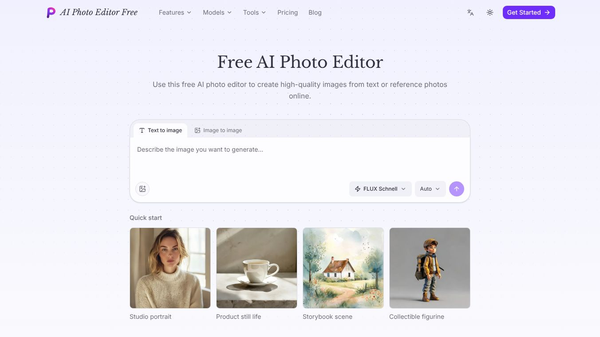
AI Image Editor is an online tool designed to help users improve their photos using artificial intelligence. It allows people to edit images without needing advanced skills or expensive software. The platform runs directly in a web browser, so users do not need to install any programs on their computers. This makes it easy to access from any device with an internet connection.
Benefits
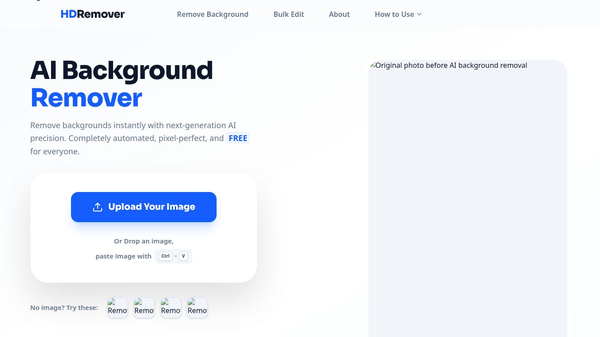
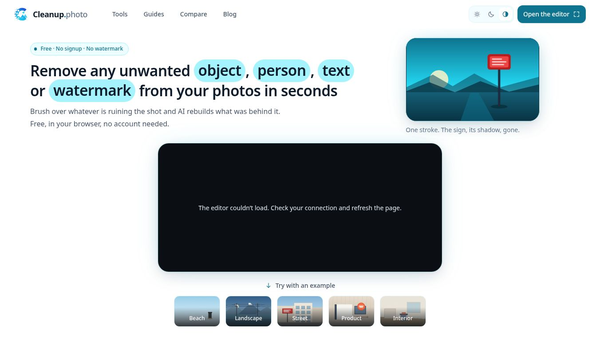
The main advantage of AI Image Editor is its ability to perform complex edits with just a few clicks. Users can remove unwanted objects from photos, change the background, or enhance the overall quality of an image. The tool uses smart algorithms to understand what is in a picture and make changes that look natural. This saves time compared to traditional editing methods. Another benefit is that it is free to use for basic tasks, which makes it accessible to everyone. The interface is simple and intuitive, so even beginners can create professional-looking results quickly.
Use Cases
This tool is useful for many different situations. Photographers can use it to fix minor issues in their shots before sharing them online. Social media users can quickly update their profile pictures or create eye-catching posts for their feeds. Small business owners might use it to improve product photos for their websites or online stores. Students can enhance images for school projects or presentations. Travelers can fix photos taken in bright sunlight or low light to make memories look their best. The web-based nature of the tool means it works well for quick edits on the go.
Pricing
AI Image Editor offers a free version that includes basic editing features. Users can remove objects, change backgrounds, and enhance images without paying. For more advanced features or higher resolution downloads, the platform may offer paid plans. Specific pricing details are not always listed publicly, but the free tier is sufficient for most casual users. This model allows people to try the tool before deciding if they need premium options.
Vibes
Users generally find the tool easy to use and effective for quick fixes. Many appreciate how fast it processes images and how simple the interface is. Some users note that the object removal feature works well for cleaning up crowded photos. While some advanced editors might prefer more control over every detail, most casual users are happy with the automated results. The community often shares tips on how to get the best results from the free version.
Additional Information
AI Image Editor is part of a growing trend of AI-powered tools that make creative tasks easier for everyone. It does not require a subscription for basic use, which helps it stand out from other paid editing software. The company focuses on providing a user-friendly experience for people who want to edit photos without a steep learning curve.
This content is either user submitted or generated using AI technology (including, but not limited to, Google Gemini API, Llama, Grok, and Mistral), based on automated research and analysis of public data sources from search engines like DuckDuckGo, Google Search, and SearXNG, and directly from the tool's own website and with minimal to no human editing/review. THEJO AI is not affiliated with or endorsed by the AI tools or services mentioned. This is provided for informational and reference purposes only, is not an endorsement or official advice, and may contain inaccuracies or biases. Please verify details with original sources.

Comments
Please log in to post a comment.