AI Exporter
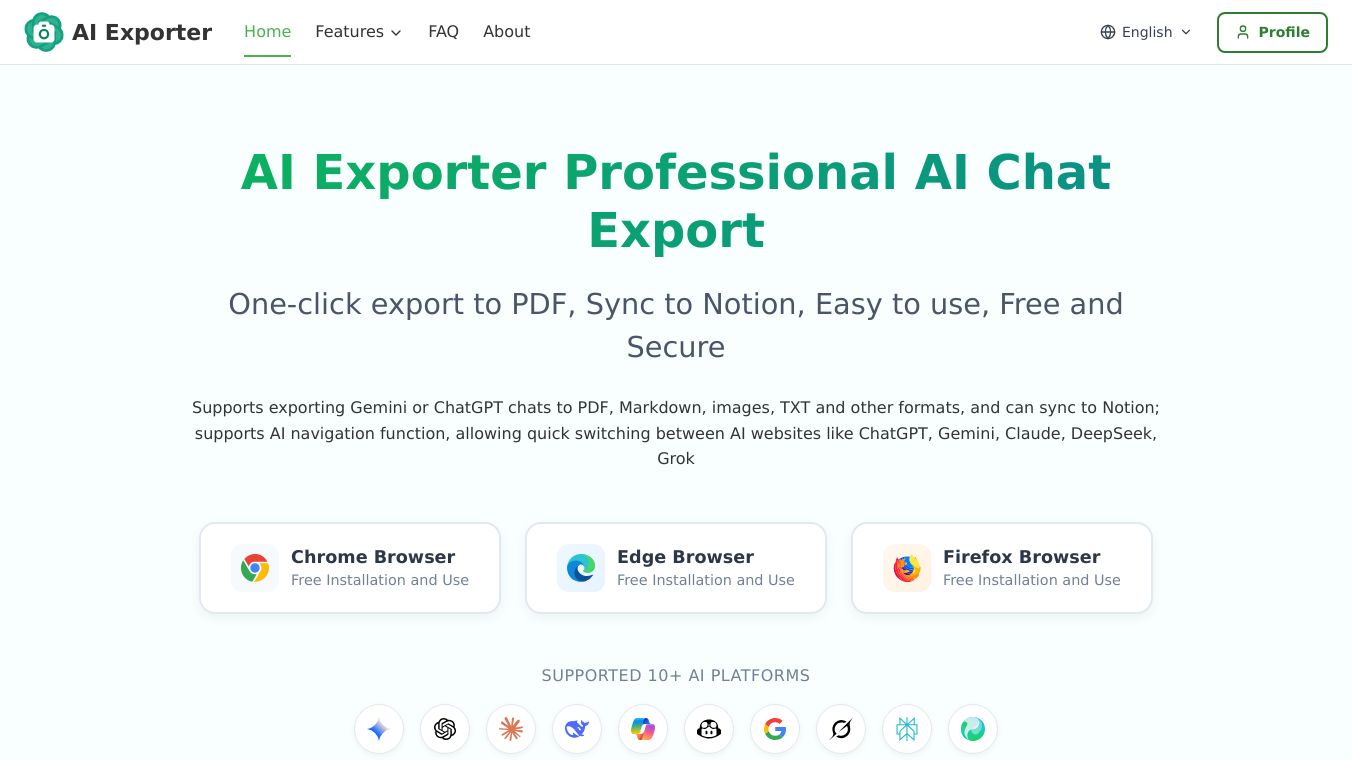





AI Exporter is a handy browser extension that helps you save your conversations with AI chatbots. It makes it simple to take your chat history from popular AI tools and save it in different file types.
Benefits
AI Exporter lets you easily save your AI chats with just one click. You can export them as PDF, Markdown, images, TXT, or JSON files. This is great for keeping records or sharing information. It also works with Notion, a popular tool for organizing notes and projects, so you can send your AI conversations straight to your Notion workspace. The extension keeps the original formatting, including code, tables, and math, so your saved chats look just like they did originally. It can even save Google search results and AI overviews.
Use Cases
This tool is useful for anyone who uses AI chatbots like ChatGPT, Gemini, or Claude and wants to keep a record of their conversations. Students can save research or explanations, professionals can archive important discussions, and developers can save code snippets. Because it can sync directly to Notion, it’s perfect for people who use Notion for personal knowledge management or project planning.
Pricing
Most of AI Exporter's features are free to use. This includes exporting chats to PDF and syncing them with Notion. There might be a small free limit for some advanced features in the future.
Vibes
Users really like AI Exporter. They say it's easy to use and has a clean design without annoying ads. People appreciate that it supports many AI services and export options. Some users have mentioned that exporting a Gemini conversation to PDF takes only about 10 seconds.
Additional Information
AI Exporter is available for browsers like Chrome, Microsoft Edge, and Firefox. The company focuses on user privacy, with most features working directly in your browser. Any temporary server use for PDF creation deletes data immediately afterward. Your conversations are never stored or shared.
This content is either user submitted or generated using AI technology (including, but not limited to, Google Gemini API, Llama, Grok, and Mistral), based on automated research and analysis of public data sources from search engines like DuckDuckGo, Google Search, and SearXNG, and directly from the tool's own website and with minimal to no human editing/review. THEJO AI is not affiliated with or endorsed by the AI tools or services mentioned. This is provided for informational and reference purposes only, is not an endorsement or official advice, and may contain inaccuracies or biases. Please verify details with original sources.


 No Info

Comments
Please log in to post a comment.